AI meeting notes for consultants
Keep scope, commitments, and client context from getting lost between calls. Create a project record you can explain—and a recap you can confidently review.
Consulting conversations often create work before anyone updates the project plan. Use a consistent note for the kickoff, the recurring check-in, and the handoff so scope changes and responsibilities stay visible throughout the engagement.
Three conversations. A stronger record.
Use a different output for each job. The formats below include blank templates, filled examples, and Skills you can reuse.
Start with an explicit project boundary
Use a kickoff note to establish outcomes, exclusions, decision rights, and open dependencies. Label targets as targets and carry their conditions into the recap. A meeting summary is not a substitute for contractual approval.
Open the related resource ↗Keep client requests separate from approval
In each check-in, record completed work, client feedback, and new requests. Capture the scoping action before promising effort, price, or delivery timing. Review a follow-up draft before sending it to the client.
Open the related resource ↗Transfer responsibility with acceptance
Use the handoff format to identify the receiving owner, required access, open issues, and a representative task. Do not mark the engagement handed over simply because a document or recording was sent.
Open the related resource ↗The workspace behind the workflow.
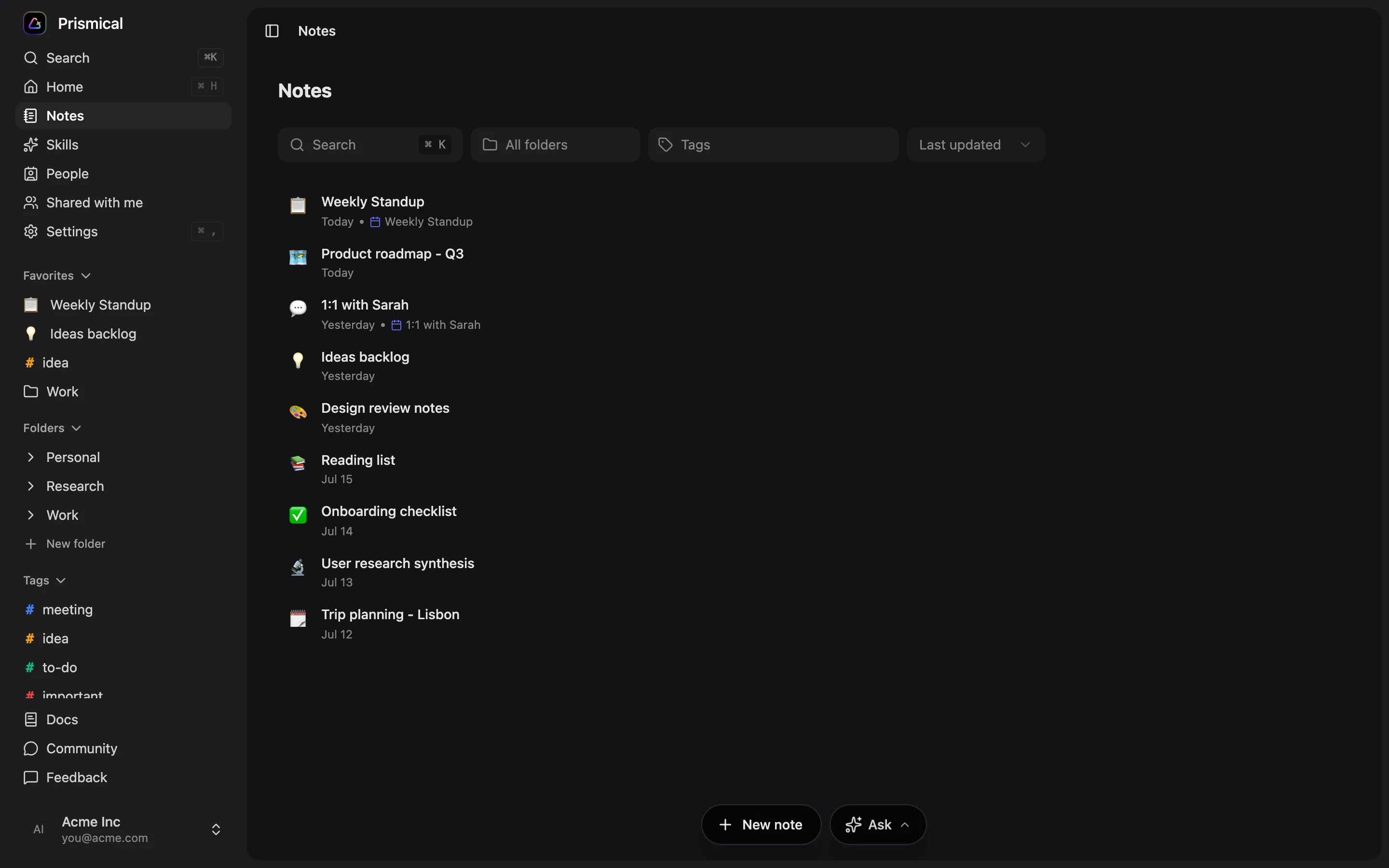
Your notes and meeting context belong close together. Product screenshot with demonstration content; interface details can vary by version.
Check the details
that matter.
- Confirm that the client permits your recording and AI-assisted note workflow.
- Keep different clients’ notes and sharing permissions deliberately separated.
- Do not place access tokens, passwords, or confidential attachments in an ordinary meeting recap.
- Review scope, dates, and commercial language before sending a follow-up. The free tool drafts text; it does not send email or create contractual approvals.
A few useful answers.
Practical details before you use this resource.
Can I send the generated recap directly to a client?
Review it first. Check scope, commitments, commercial language, and the intended audience. The templates and free tool do not send emails; distribution remains a deliberate action in your approved communication system.
Does this sync client work into a CRM?
No native CRM sync is included in these templates. You can copy reviewed text, or separately configure and verify an integration that fits your workflow and permissions.
Is a meeting note evidence of client acceptance?
Do not assume so. Record what was said faithfully and follow the engagement’s agreed approval process. This resource helps keep acceptance conditions visible but does not provide legal advice or replace a contract.
Setup references.
Documentation reviewed August 30, 2026. Follow your installed app’s permissions and verify the workflow on your device.
Keep the work moving.
Useful next steps for the conversation you are preparing for.
Project kickoff meeting notes template
Align a project around outcomes, scope, decision owners, dependencies, and first actions. Free kickoff notes template, worked example, and Prismical Skill.
Explore resource TemplatesClient check-in meeting notes template
Keep client check-ins focused on progress, feedback, scope changes, and mutual next steps. Free meeting template with an example and downloadable Skill.
Explore resource TemplatesProject handoff meeting notes template
Transfer a project with clear status, receiving owners, open risks, access checks, and acceptance criteria. Free handoff template with a worked example.
Explore resource Free toolsFree meeting follow-up email generator
Create a follow-up email draft from pasted meeting notes, with source-based discussion points and next steps to confirm. Free, browser-only, and editable.
Explore resourceBring your next conversation
into Prismical.
Capture the conversation, keep the transcript beside your notes, and reuse a Skill for the output you need. Review the result before you share it.