
Introduction
Prismical is a free, open-source AI note taker for meetings, voice notes, and lectures — on Mac, Windows, iOS, Android, and the web.
Prismical listens to your meetings and voice notes, transcribes them, and turns them into notes worth rereading. It runs on your Mac, your PC, your phone, and in a browser tab — same notes everywhere.
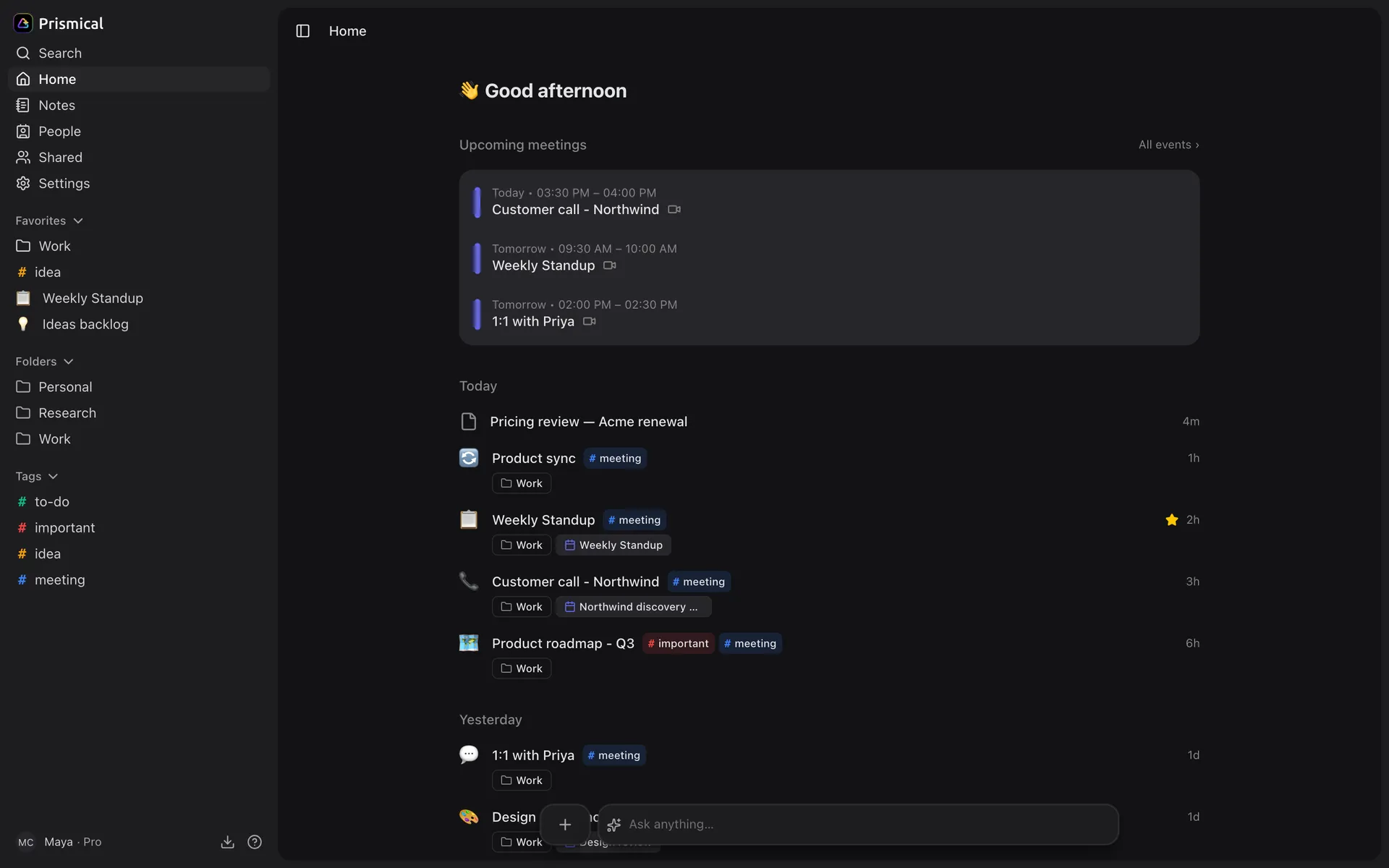
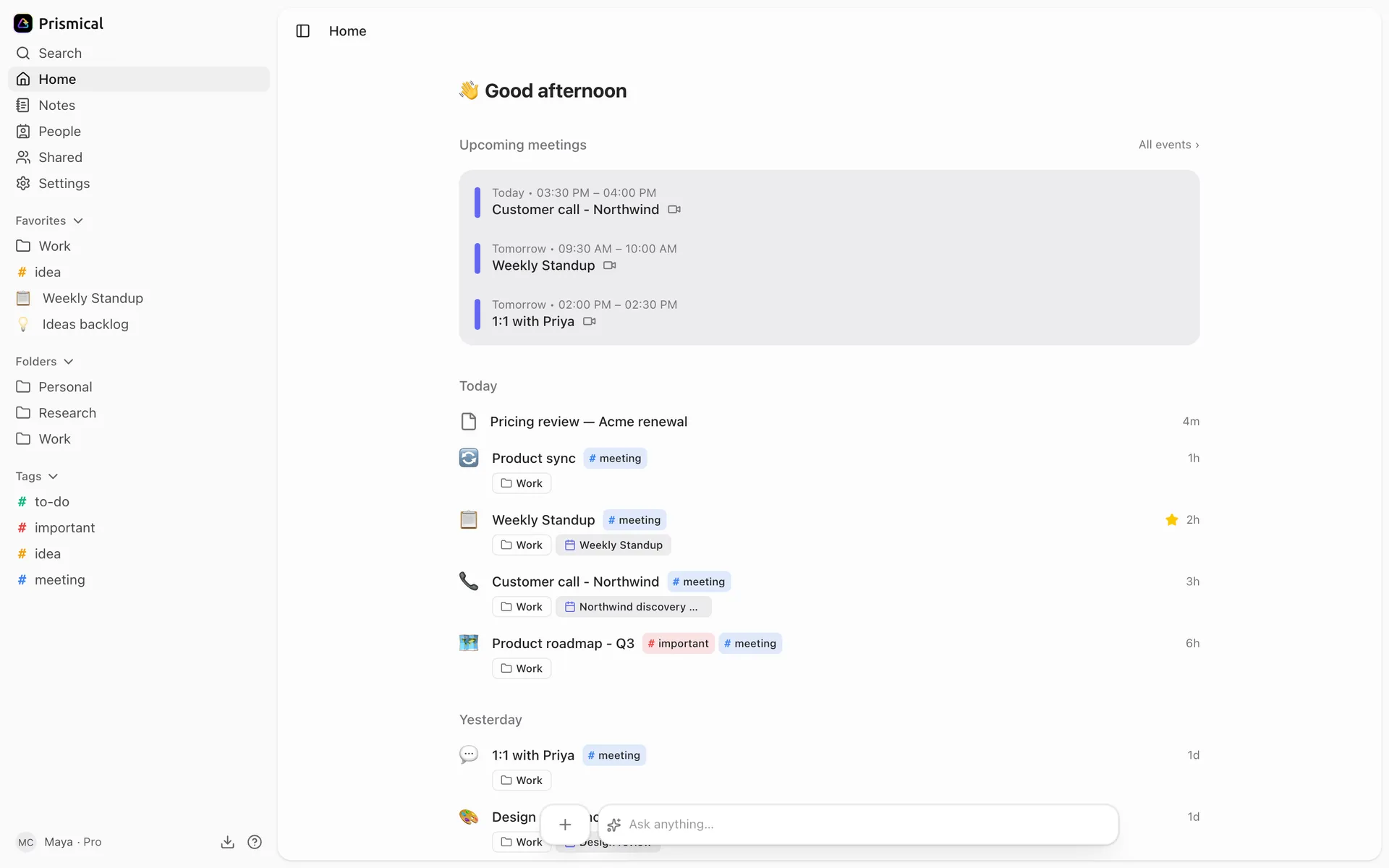
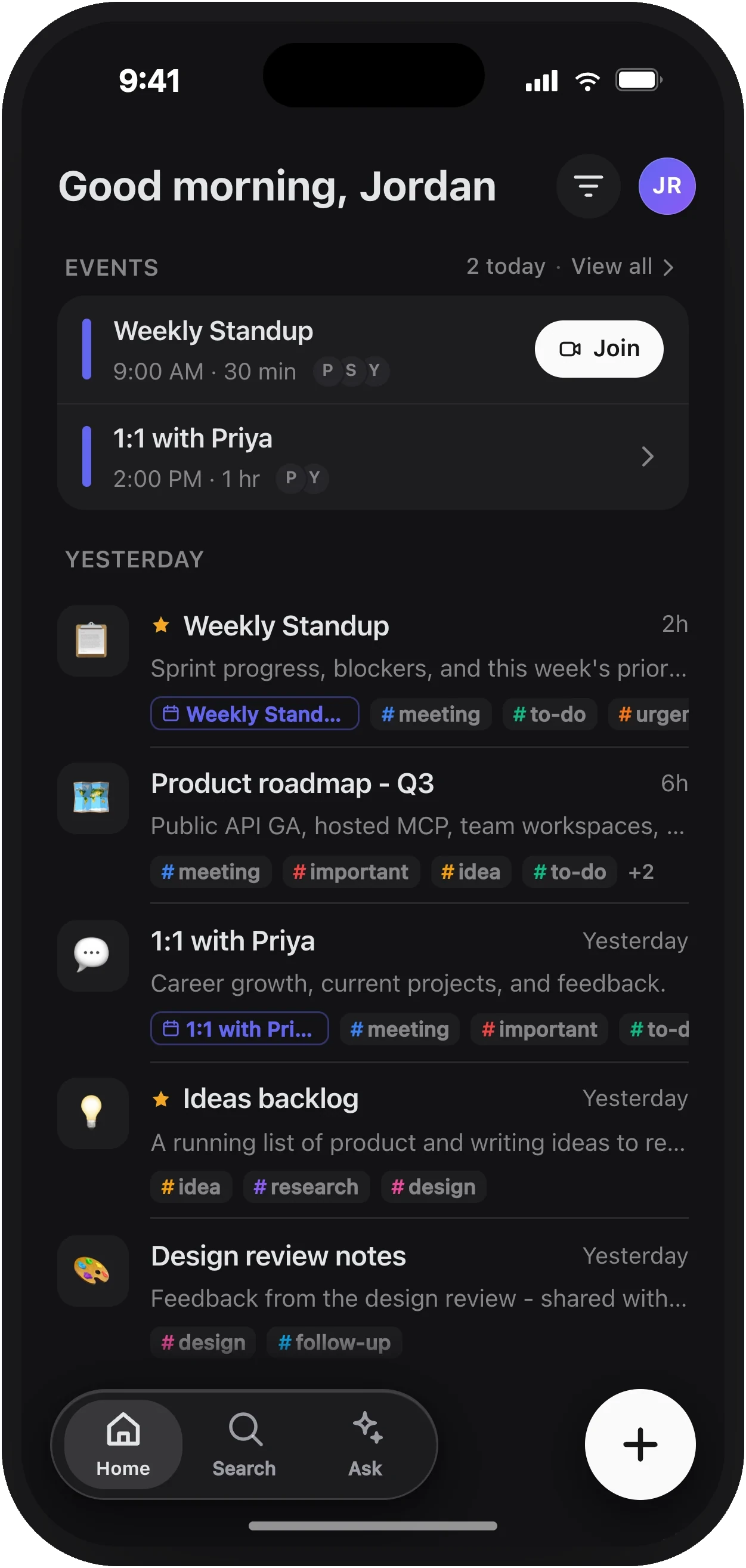
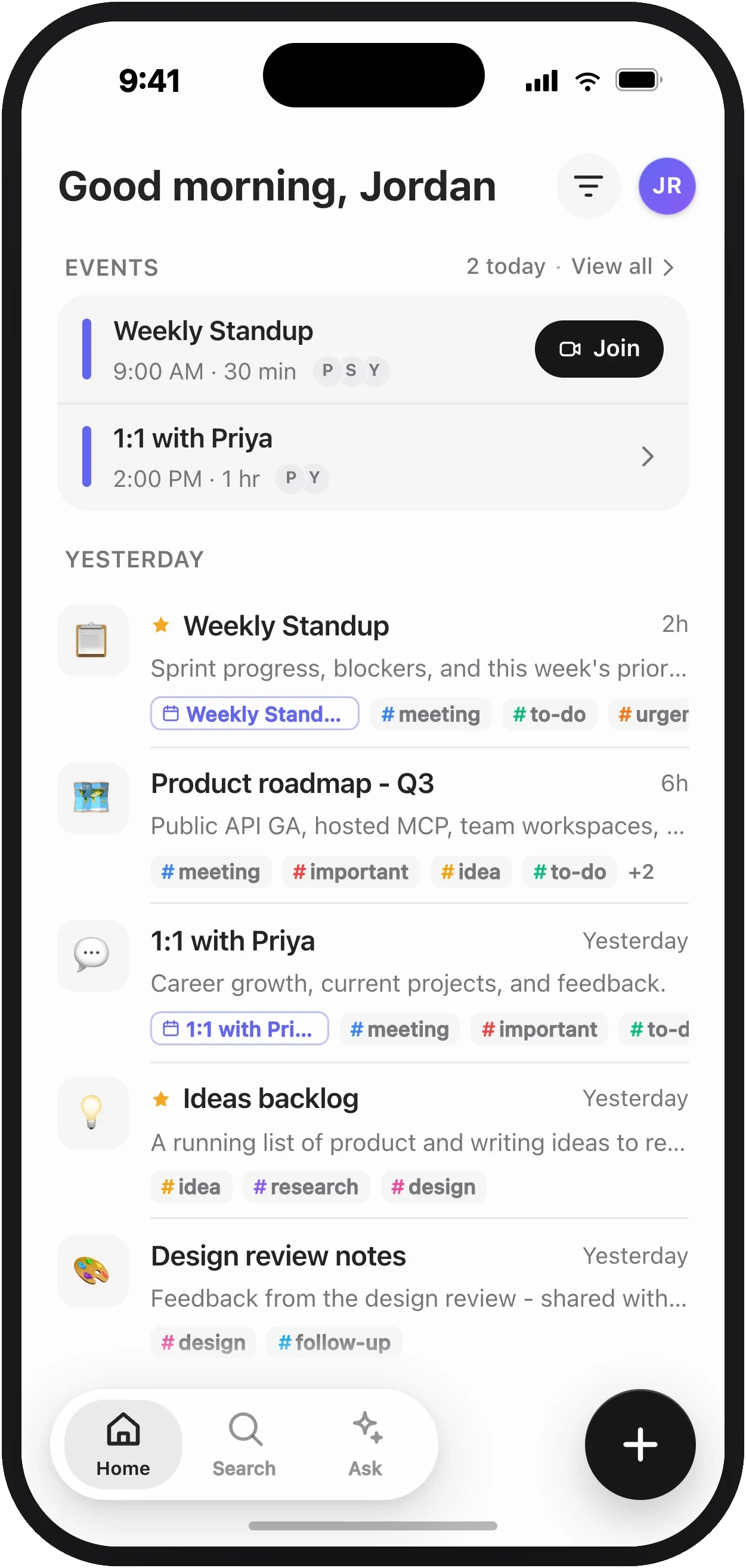
No bot joins your call. Nothing announces itself to the room. It records on your device, from your device.
Start on desktop
Mac or Windows. The only one that hears both sides of a call.
Start in a browser
Nothing to install. Open a tab and record.
Start on your phone
iOS or Android. Talk, and it becomes a note.
How it works
What a note actually is, and where each piece runs.
The Idea
Most note takers give you a transcript. A transcript is a wall of text nobody rereads.
Prismical assumes you'll type a few rough things while you listen — a name, a decision, a link. Then it reads your notes and the transcript together and writes the version you'd have written if you'd had time. The transcript knows what was said; your notes know what mattered.
Record
From a note, or from the floating widget when Prismical notices a meeting starting.
Type whatever you catch
Rough is fine. Half-sentences are fine. You're not competing with the transcript.
Later, Ask AI answers questions across everything you've recorded, with links back to the notes it used.
Common Places to Start
Meeting notes
Record a call and turn it into a summary with action items.
Voice notes
Think out loud and get organized notes back.
Lectures
Long-form capture where you can't type fast enough.
Plans
What's free, what's counted, and what isn't.
Good to Know
- Free is free. No trial, no expiry. The monthly limit counts cloud transcription only. See Plans.
- Your plan doesn't decide your platform. Every plan includes every app. What differs by platform is what the hardware can hear — see What's different per platform.
- It's open source. MIT licensed, at github.com/amicalhq/prismical.
Download for Mac or Windows, or join us on Discord.