
Sharing
Share a note or a whole folder with teammates as a viewer, editor, or manager — or publish a read-only public link.
There are two ways to let someone see a note, and they're for different situations: share it with a person, or publish a public link.
Sharing With People
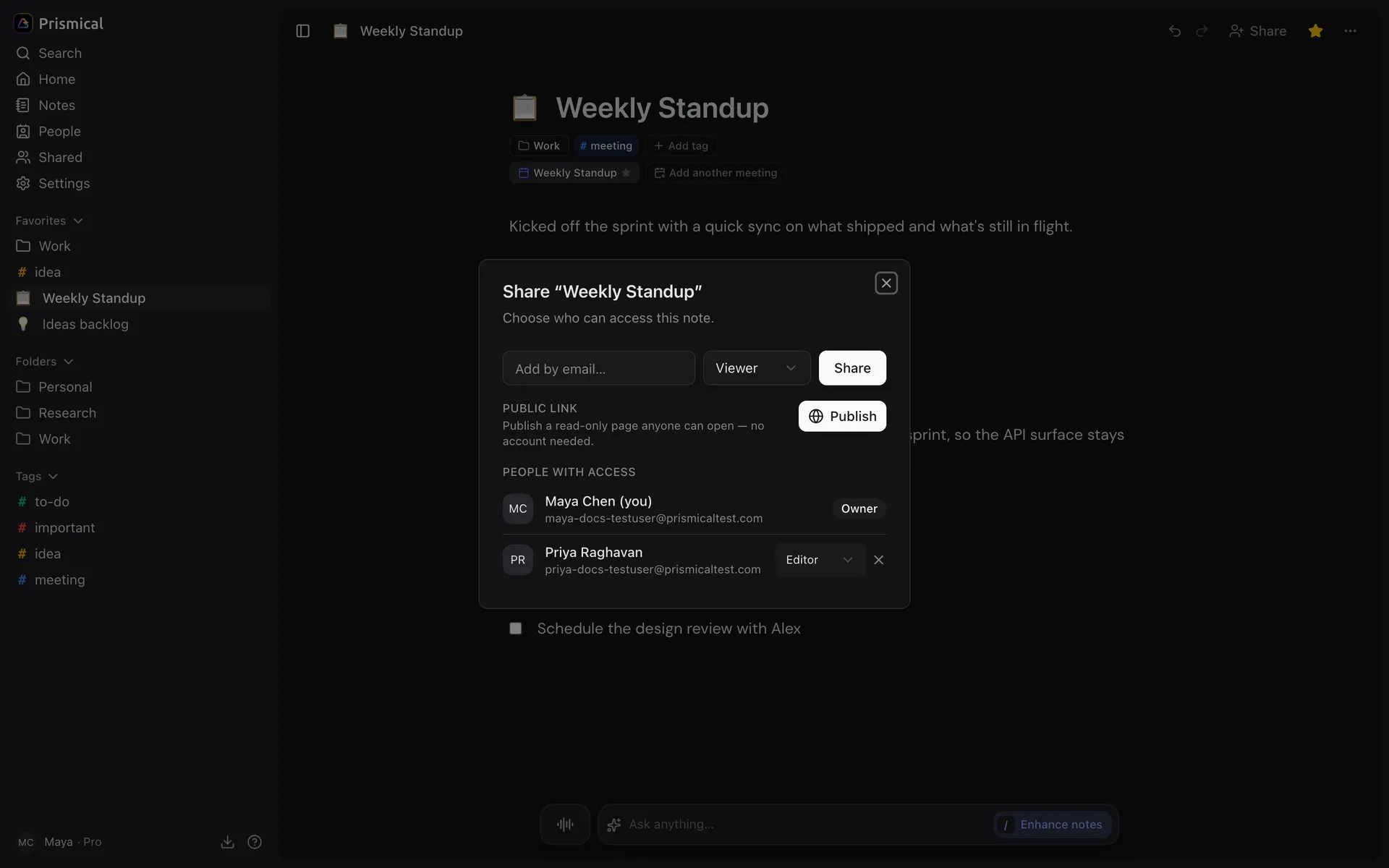
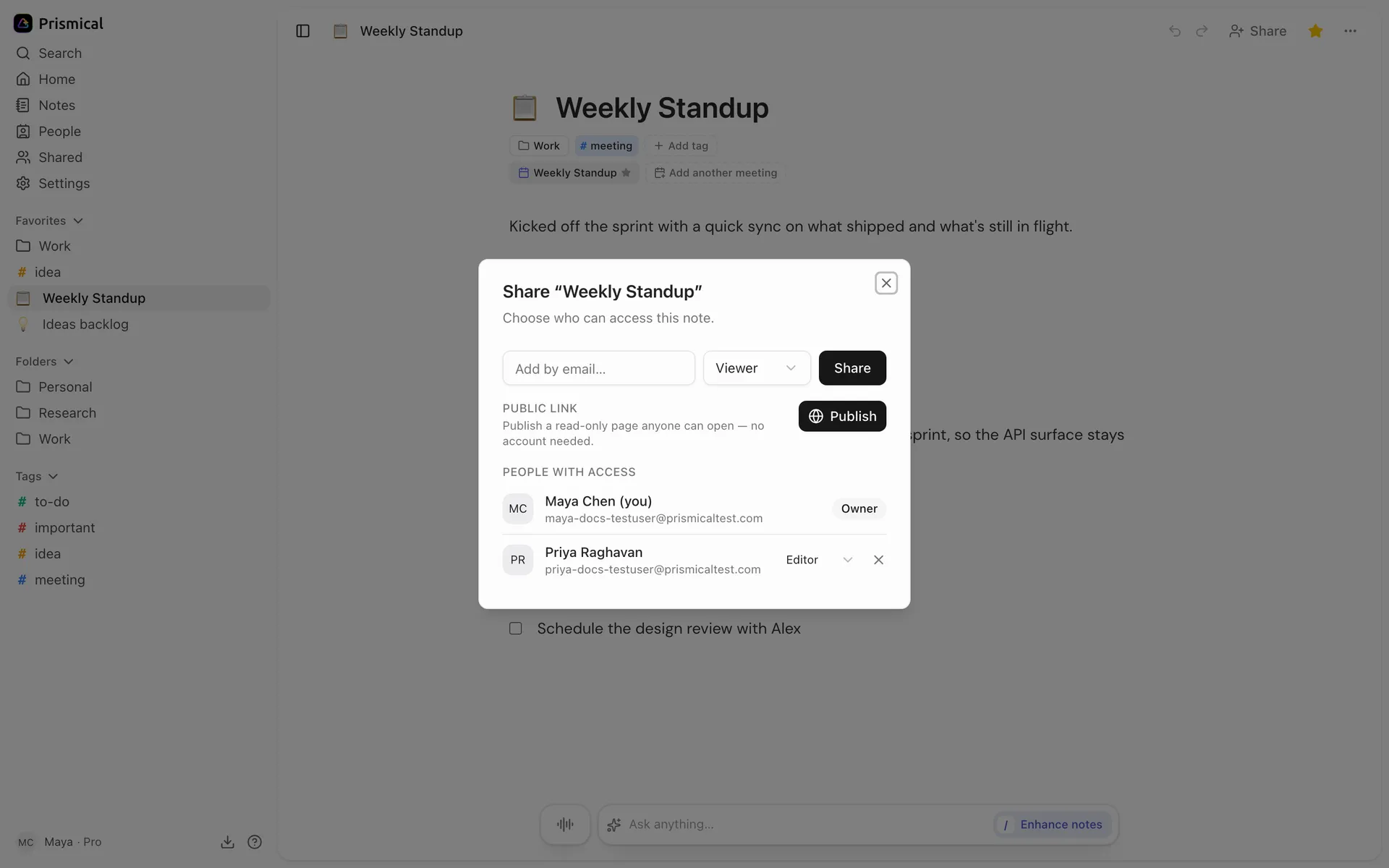
Open a note and click Share, or use the ⋯ menu on any note in the sidebar. Type an email address and pick what they can do.
| Role | Can |
|---|---|
| Viewer | Read it. |
| Editor | Read and edit it. |
| Manager | Read, edit, and share it with other people. |
If the person isn't in your organization yet, they're sent an invitation.
Shared notes are properly collaborative — two editors in a note see each other's changes live, and neither overwrites the other. See Notes.
Sharing a Whole Folder
The same Share dialog works on a folder, and everything in it follows. Good for a client or project where the answer to "should they see this?" is always yes.
Folders are people-only — there's no public link for a folder.
Public Links
The Public link tab creates a URL that anyone can open — no account, no sign-in, nothing to install. Public links are read-only regardless of anything else.
Anyone with the link can read the note, no account needed. It isn't listed anywhere, but nothing stops a search engine reading a link that gets posted somewhere public — treat it as genuinely public, because it is.
Links don't expire. A link stays live until you Unpublish it, which takes the page down at once — publish again and the same link works. If you need someone to lose access at some point, that's a person share, not a link.
Taking Access Away
Remove someone in the Share dialog (the × beside their name) and they lose access at once. Revoke a public link and it stops working for everyone.
If you're an owner or admin of an organization, you can also turn public links off across the whole org, or revoke every existing one in one go. Members then see "Your organization has public link sharing turned off."
What Else Goes With It
This is worth knowing before you share a meeting note.
| Person share | Public link | |
|---|---|---|
| The note | Yes | Yes |
| Its recordings and transcripts | Yes | No — the note's text only |
Sharing a note with someone gives them its transcripts too — the raw record of everything said while recording, not just the tidy summary you wrote up. If a meeting had a candid stretch in it, that's in the transcript. A public link doesn't carry them.
Tags are yours alone — the person you share with never sees the ones you applied.
A note's folder and favorite are properties of the note, not of you. So an editor can move a shared note out of your folder or un-favorite it, and you'll see that change. Tags are the safe way to file a shared note privately.