
Automations
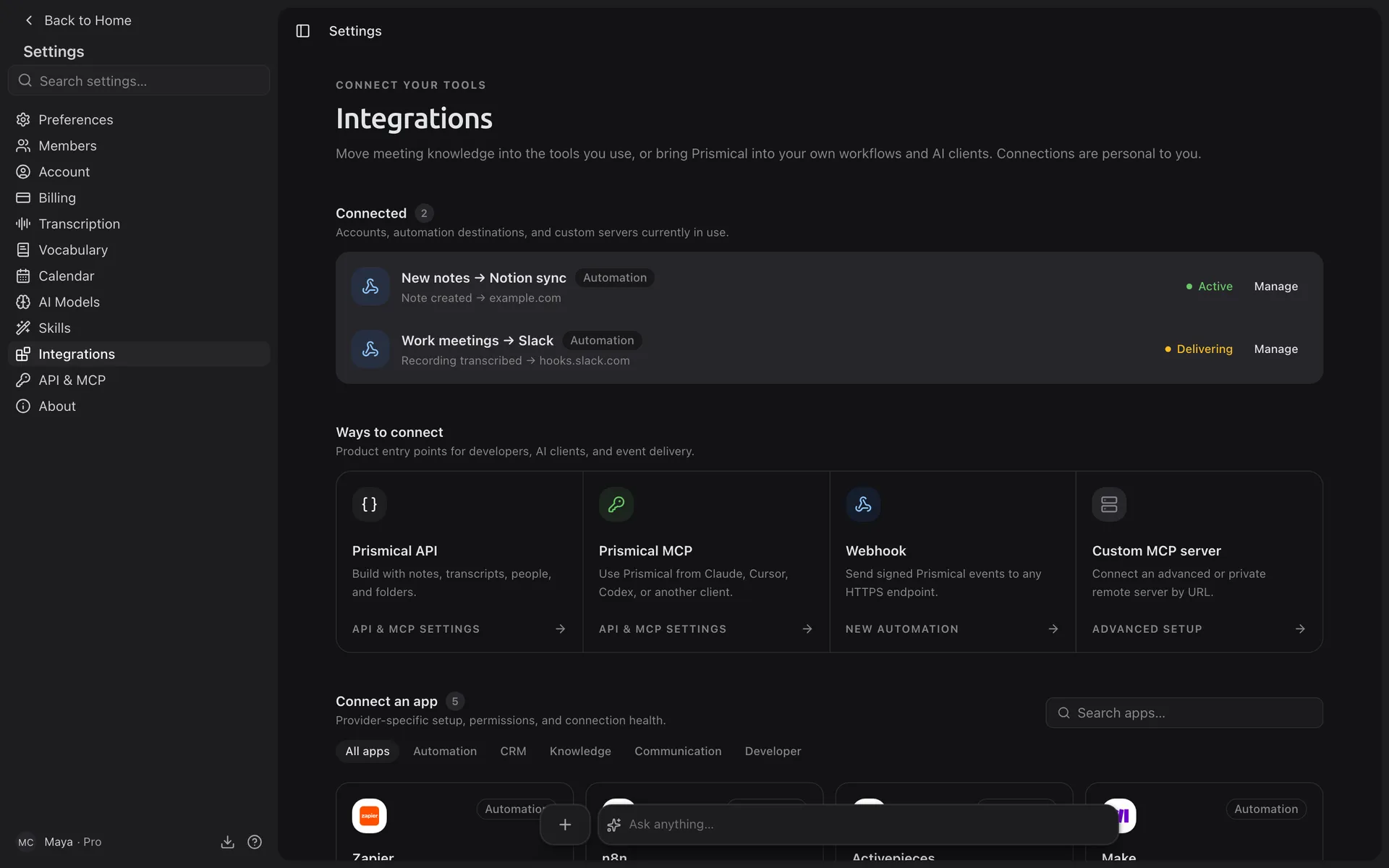
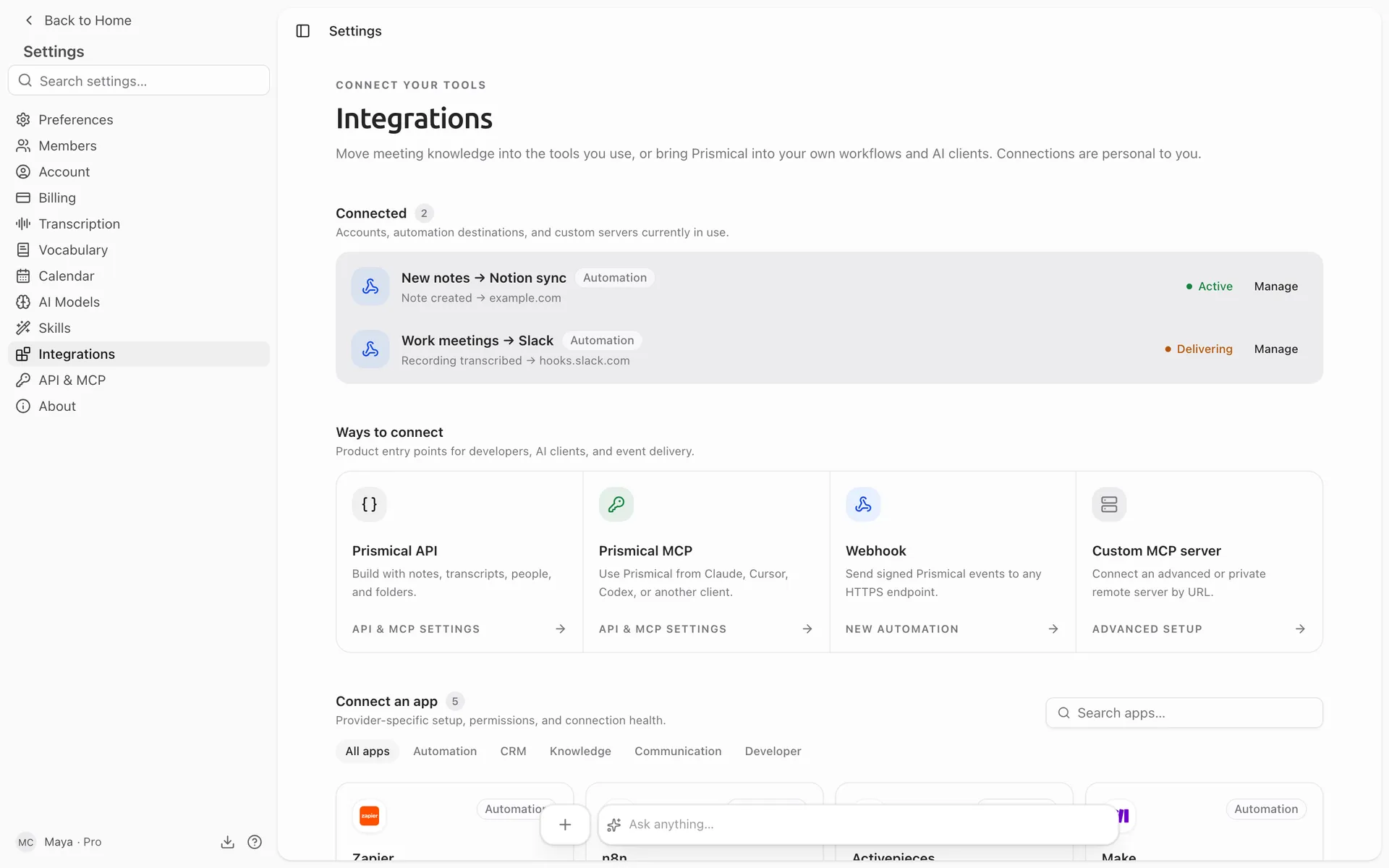
Send a signed webhook somewhere else when a recording is transcribed or a note is created, tagged, or filed.
An automation watches for something happening in Prismical and sends a webhook when it does. Point it at Zapier, Make, n8n, or your own endpoint, and the rest of your stack finds out.
The classic one: when a sales call finishes transcribing, tell Zapier, and let Zapier file it in your CRM.
Making One
Go to Settings → Automations and click New automation. It reads as a sentence: when this happens, send it here.
Pick what to watch for
One or more of the triggers below.
Narrow it down
Optionally limit it to certain folders or tags, so a sales automation ignores
your 1:1s.
Give it a URL
Where the webhook goes.
Create it
It's live immediately.
Triggers
| Trigger | Fires when |
|---|---|
| Recording transcribed | A recording finishes transcribing. The most useful one — it means the content exists. |
| Note created | A new note is made. |
| Note added to folder | A note is filed. |
| Tag added to note | A note gets a tag. Handy as a manual "send this onward" switch. |
Filters combine sensibly: several folders means any of them, but a folder filter and a tag filter means both must be true.
Automations are personal — yours fire on things you do, not on your teammates' activity.
What It Sends
A POST with a JSON body carrying the event and which automation sent it:
{
  "api_version": "...",
  "automation_id": "...",
  "delivery_id": "...",
  "attempt": 1,
  "event": {
    "id": "...",
    "type": "recording.transcribed",
    "version": 1,
    "occurred_at": "2026-07-17T09:41:00.000Z",
    "org_id": "...",
    "org_user_id": "...",
    "origin": "user",
    "causation_event_id": null,
    "subject": { },
    "data": { }
  }
}
event.type is what fired, and event.subject identifies what it happened to — that's
what you'll branch on. The field names are a stable contract: they only get added to,
never renamed.
Every request carries a signature header so you can prove it came from Prismical:
Prismical-Signature: t=<timestamp>,v1=<hmac-sha256>The signature is an HMAC-SHA256 of <timestamp>.<body> using your automation's
secret, which you can reveal and rotate on the automation's page. Verify it before
you trust a payload — the URL is the only thing standing between your endpoint and
anyone who guesses it.
You also get Prismical-Event-Id, Prismical-Automation-Id, and
Prismical-Delivery-Id for logging and deduplication.
When Delivery Fails
Prismical retries: after a minute, five minutes, half an hour, then two hours — five attempts in all. Timeouts, connection errors, and most error responses are worth retrying, so it does.
Some failures are treated as permanent and aren't retried, because they won't get better on their own — a redirect instead of a direct response, or a URL that can't be accepted at all. Those show up in the run history straight away rather than after two hours of attempts.
Every automation has a Run history showing what fired, what your endpoint said, and when the next attempt is due. There's a Retry button for when you've fixed your end.
What It Can Do
Automations send webhooks. That's the one action — but a webhook into Zapier or Make reaches several thousand other apps, which is usually the point.
To transform a note with AI, use skills. To ask questions across your notes, use Ask AI. To read or write from your own code, use the API.