
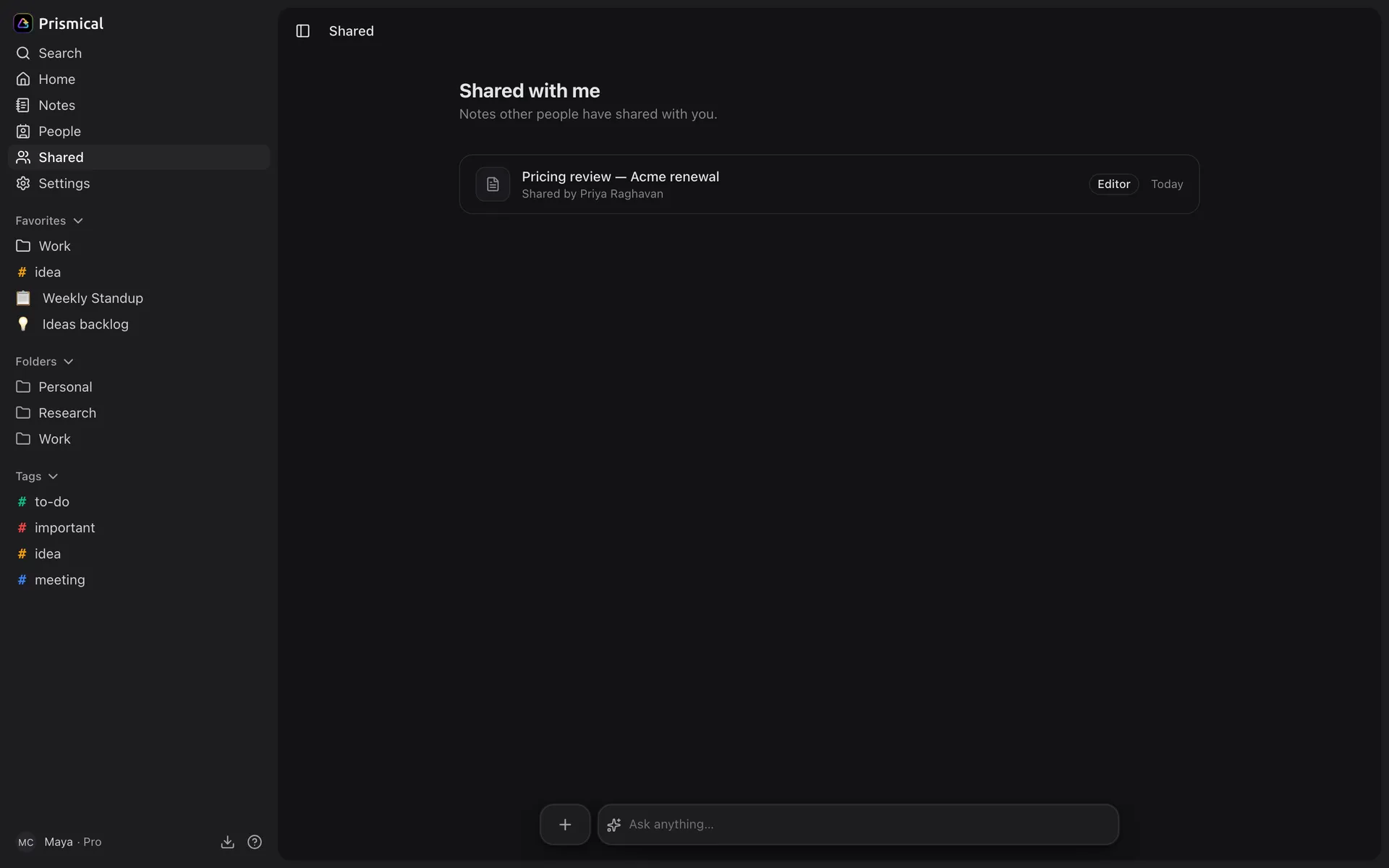
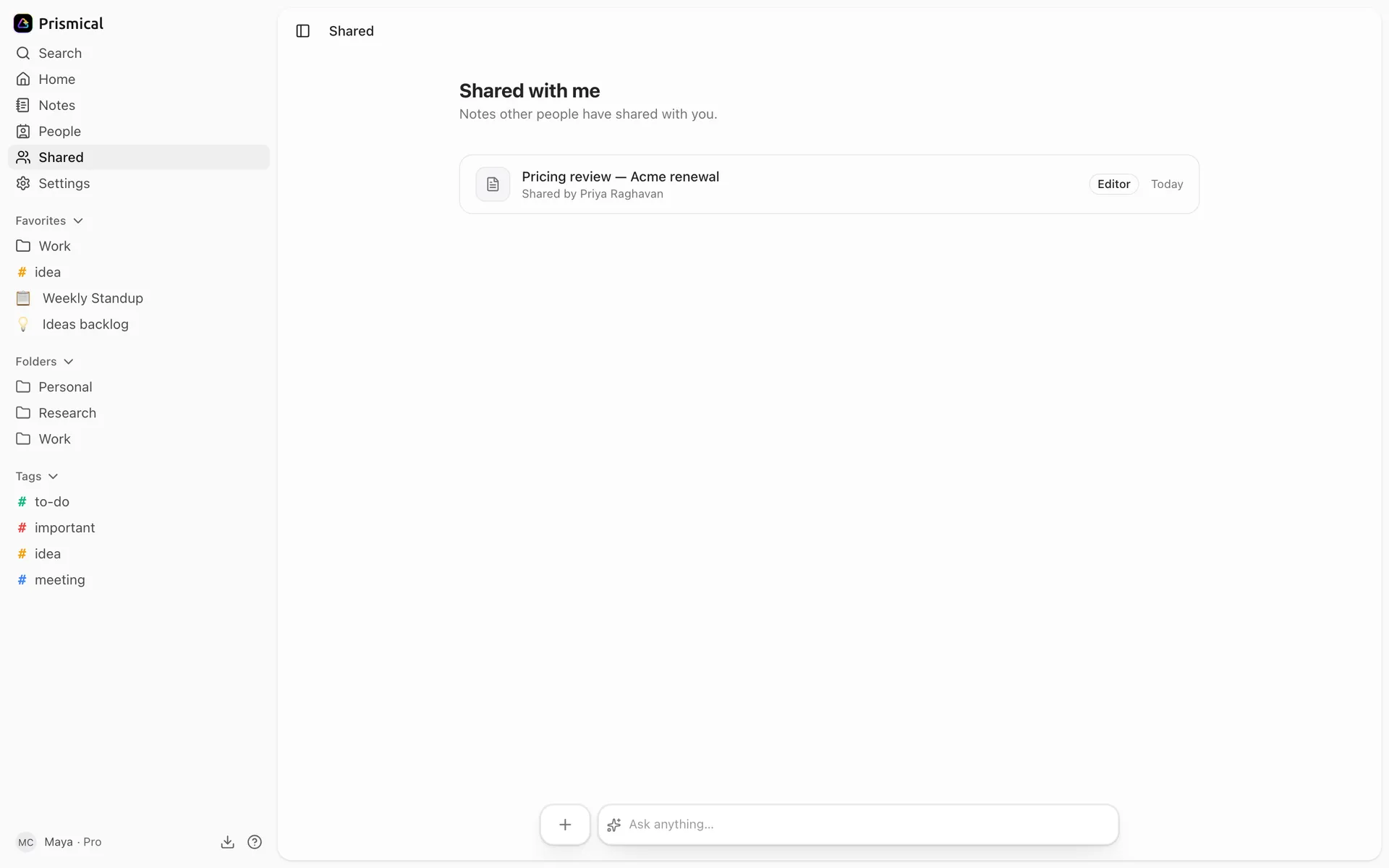
Shared with me
Find the notes and folders other people have shared with you, and accept an invitation.
Notes other people have shared with you live under Shared with me in the sidebar, apart from your own.
Accepting an Invitation
If someone shares a note with you and you're not in their organization, you'll get an invitation by email — that's true whether or not you already have a Prismical account. Open the link, sign in or sign up, and the note is there.
Signing up is free — see Plans.
What You Can Do
Each note shows your role on it:
| Badge | You can |
|---|---|
| Viewer | Read it. The editor is read-only and says so. |
| Editor | Read and edit it, alongside everyone else. |
| Manager | Read, edit, and share it onward. |
Editing a shared note is live — you and the owner can be in it at the same time and neither of you overwrites the other. See Notes.
Making It Yours
Tag a shared note however you like — your tags are yours alone, and nobody else on the note sees them.
A note's folder and favorite work differently: they belong to the note rather than to you, so if you're an editor and move it or favorite it, everyone else sees that too. Tags are the way to file a shared note privately.
Shared notes turn up in search and Ask AI like your own, so an answer can draw on something a colleague shared with you.
When It Disappears
A note can vanish from Shared with me for two reasons: the owner stopped sharing it, or the owner deleted it. Either way, access ends immediately and there's nothing on your side to recover.
If you need to keep something, copy what matters into a note of your own while you still have access.