
Favorites
Pin the notes, folders, and tags you use most so they stay one click away in the sidebar.
Favoriting keeps the handful of things you're actually working on within reach, instead of scrolling for them.
Favoriting Something
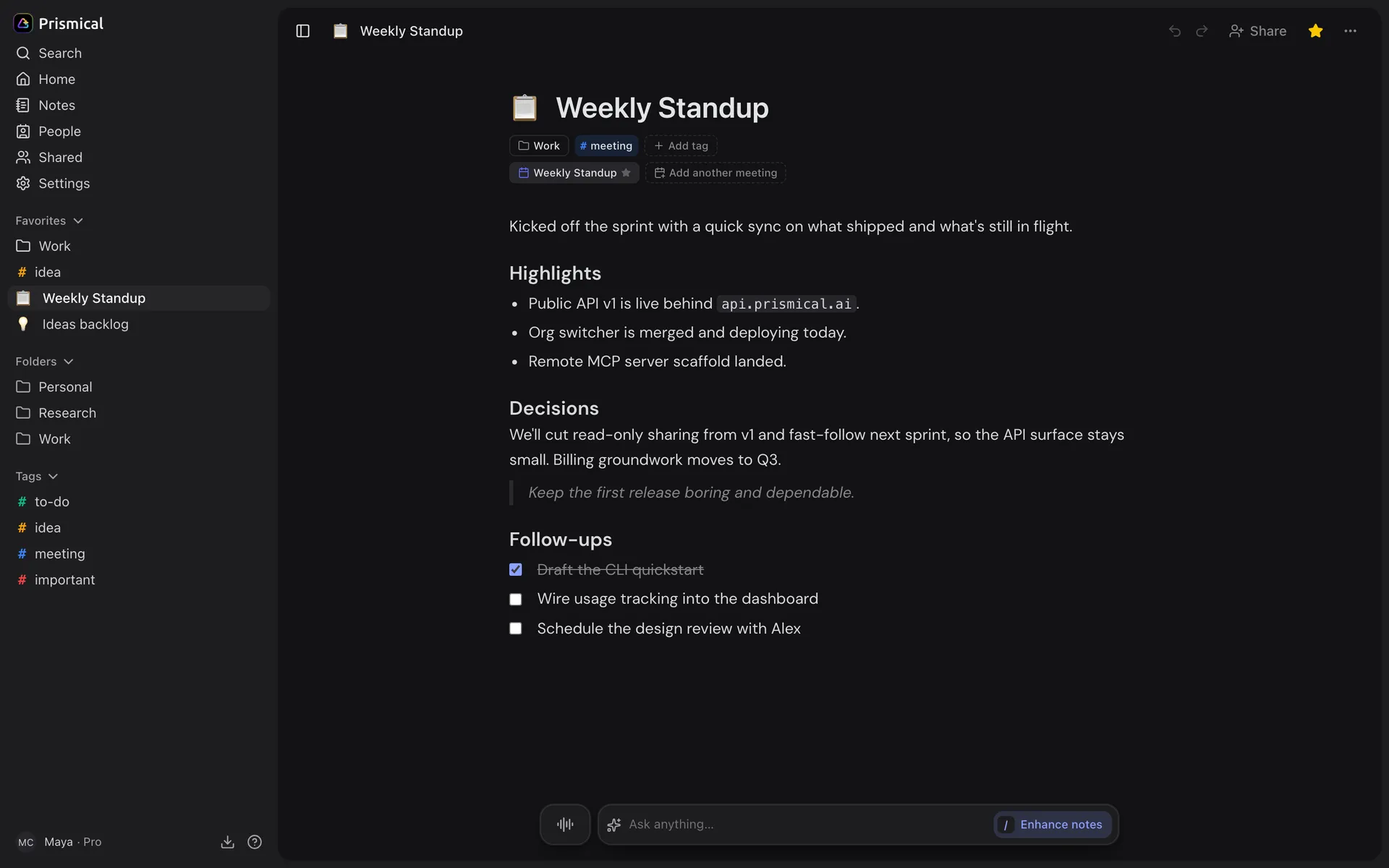
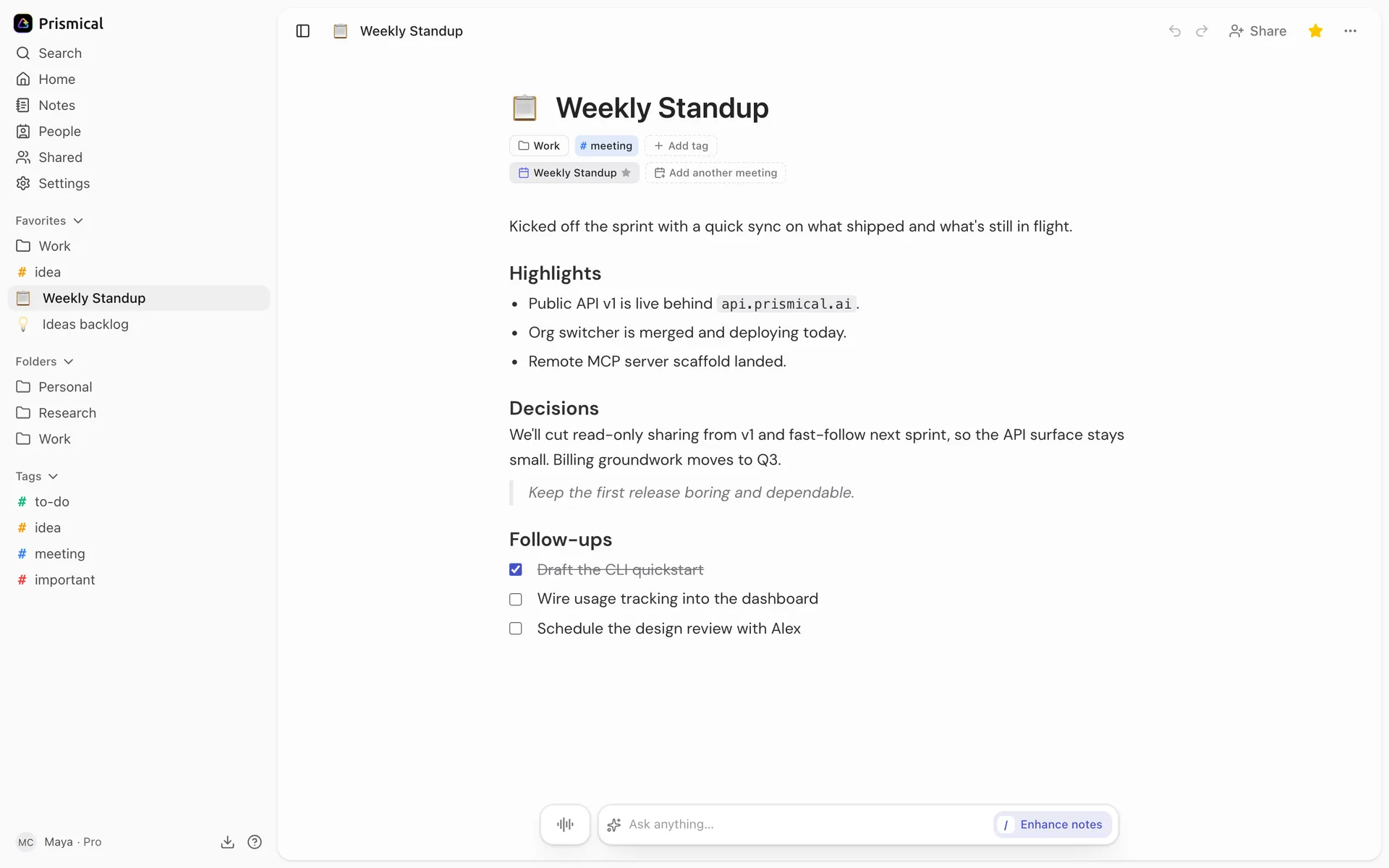
- Favorites: the notes, folders and tags you've starred.
- Folders.
- Tags.
- The star favorites the note you're in.
On web and desktop, use the ⋯ menu in the sidebar and choose Add to favorites — or the star button at the top of an open note.
They collect in a Favorites section at the top of the sidebar.
On Your Phone
Open a note's details and tap Star. Starred notes collect in a Pinned section at the top of your list.
It's the same thing as favoriting on your laptop — star a note on your phone and it's in your Favorites on the web.
What to Put There
Favorites work best when they're temporary. The project you're on this month, the
follow-up tag while you're behind on replies, the note you're adding to all week.
Unfavorite them when you're done. A Favorites section with thirty things in it is just a second notes list.