
Shortcuts
The keyboard shortcuts Prismical has today, and where to find them.
Prismical has a small set of keyboard shortcuts, with a fuller set on the way. The current list lives in Settings → Shortcuts in the desktop app.
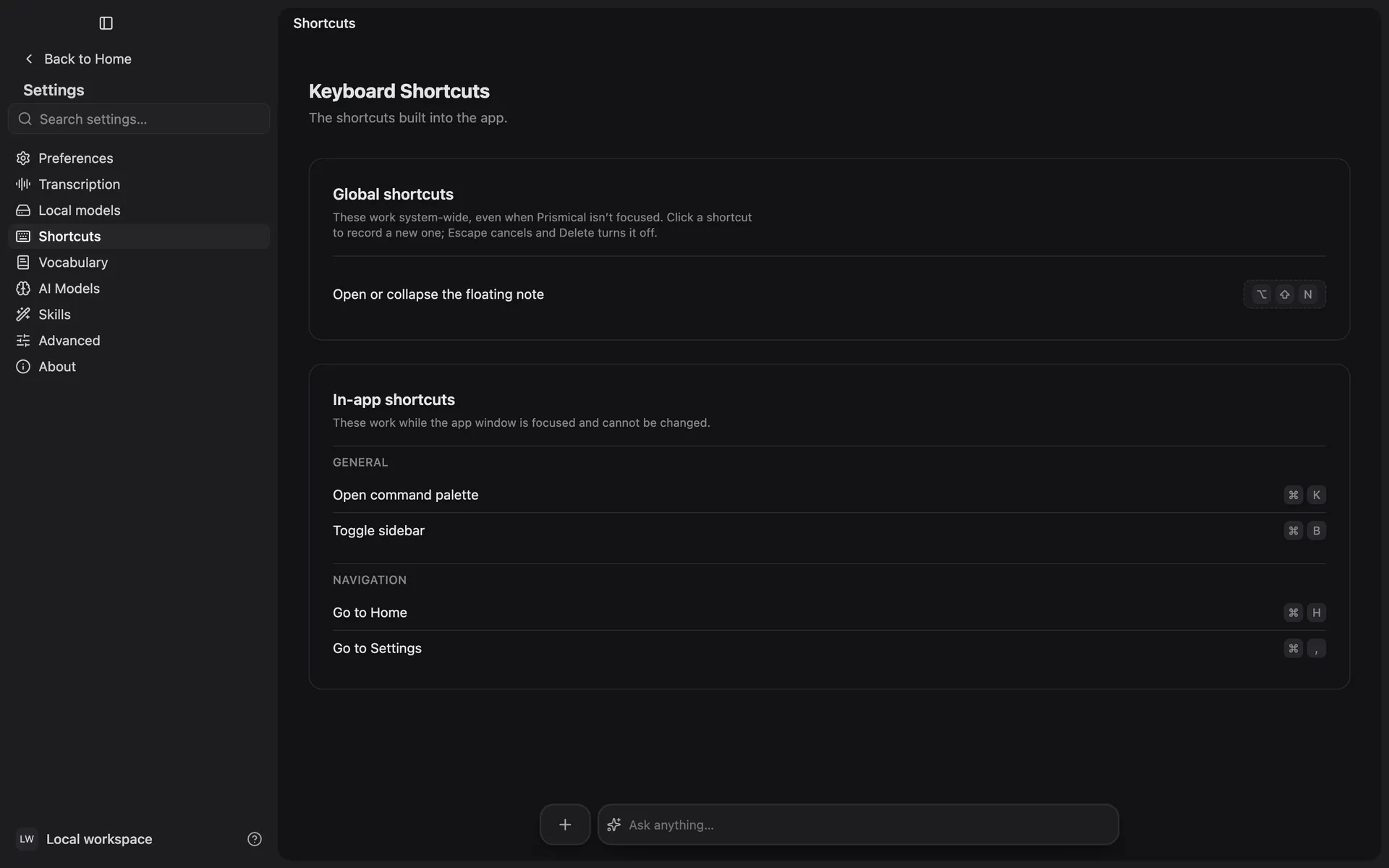
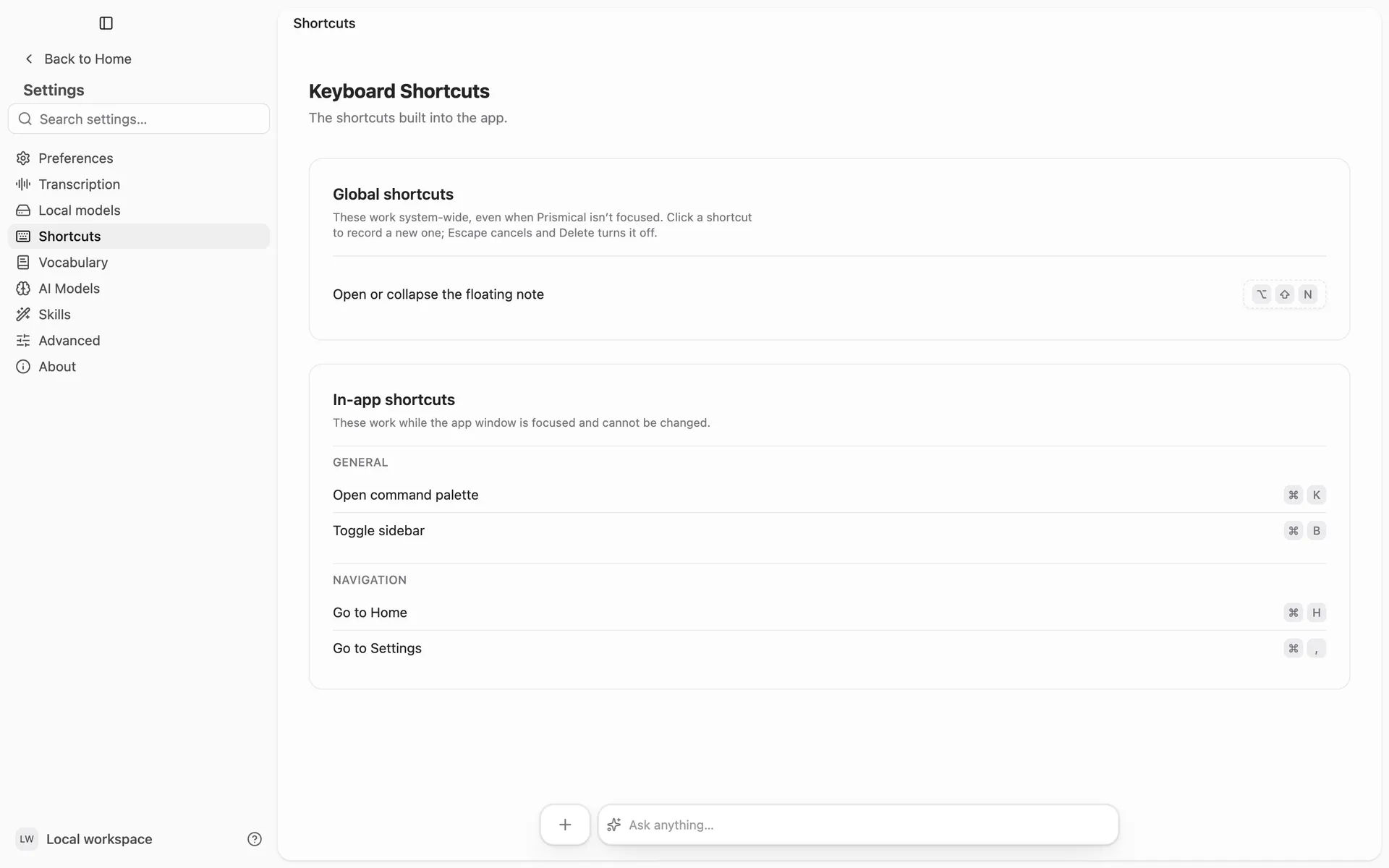
Shortcuts are written for macOS below. On Windows, use Ctrl wherever you see ⌘.
What's Built In
| Shortcut | Does | Where |
|---|---|---|
| ⌘ K | Opens the command palette — search your notes and jump to folders, tags and settings | Everywhere |
| ⌘ B | Shows or hides the sidebar | Desktop |
| ⌘ H | Goes to Home | Desktop |
| ⌘ , | Opens Settings | Desktop |
⌘ K is the one worth learning first — see Search.
A browser claims most key combinations for itself, so the web app ships ⌘ K on its own.
Changing One
The desktop app's floating note has its own shortcut, and that one you can rebind from Settings → Shortcuts. The rest are fixed for now — shortcuts you set yourself are coming.