
API
Create a personal API key and call the Prismical API from your own scripts and services.
Prismical has an HTTP API. Create a key, call it from anything, and read or write your notes from your own code.
https://api.prismical.aiGetting a Key
Go to Settings → API & MCP and create one. Give it a name you'll recognize in six months and pick when it should expire — never, or 30 to 365 days.
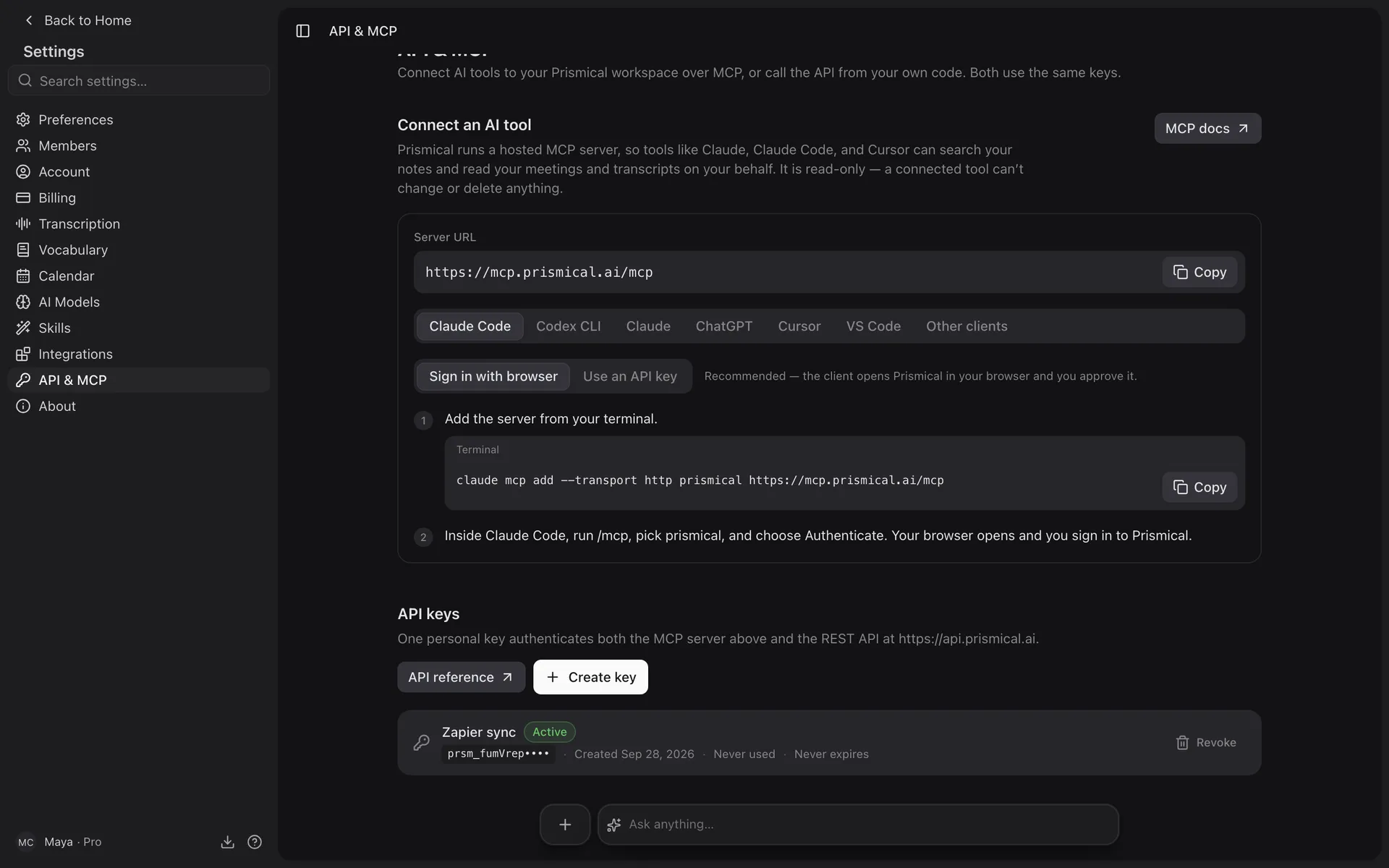
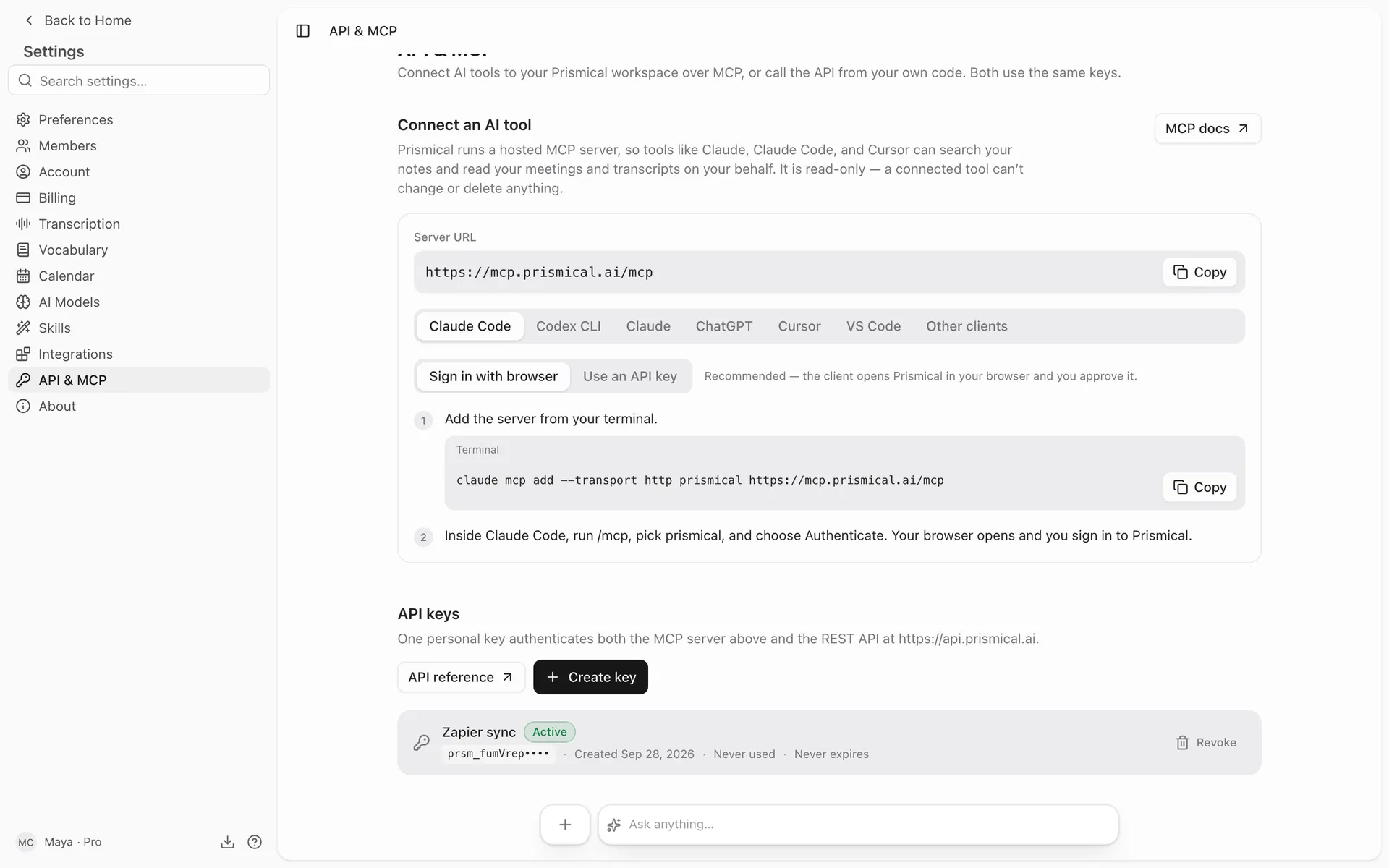
The key is shown once. Copy it when it appears; you can't get it back afterwards, only delete it and make another.
Keys start with prsm_. Send yours as a header:
curl https://api.prismical.ai/v1/whoami \
  -H "x-api-key: prsm_your_key_here"
Keys are personal and carry your access — your notes, plus anything shared with you. Delete one from the same screen and it stops working immediately.
What You Can Do
| Resource | |
|---|---|
| Notes | Create, read, update, delete. Write a body as markdown. Attach and detach tags. Read a note's recordings and transcript. |
| Folders, Tags | Full CRUD. |
| Recordings, Events, Artifacts | Read. A transcript comes back with its speaker names already resolved, the same ones you see in the app — see Speaker identification. |
| Search | Full-text search across notes you can read. |
| Vocabulary | Full CRUD, personal and team. |
| whoami | Which account and organization the key belongs to. |
The full specification is always current, generated from the API itself:
https://api.prismical.ai/openapi.jsonPoint your client generator at it, or read it directly.
Conventions
A few things worth knowing before your first call:
- Fields are
snake_case. - Updates are
PATCH, notPUT— send only what changes. - Ids are generated by the server and prefixed by type:
nt_a note,rec_a recording,fld_a folder,tag_a tag,cev_a meeting. - Lists are cursor-paginated, 20 per page by default, up to 100.
- Errors come back as
{ "error": { "code": "...", "message": "..." } }.
Everything is under /v1/.
Rate Limits
240 requests a minute per key. Over that you'll get a 429 — back off and retry.
Getting Notified
The API is for reading and writing. To find out when something happens without polling, pair it with an automation: the webhook tells you a recording finished transcribing, and the API fetches it.