
Voice notes
Capture quick thoughts, drafts, and voice notes outside a meeting, then let AI shape them into something readable.
Not everything worth keeping happens in a meeting. The idea on the walk, the thing you realized in the shower, the thirty seconds after a call when you remember what you forgot to say.
Talk. Prismical sorts it out.
The Fastest Version
On your phone: tap +. It makes a note and starts listening in the same motion.
Talk. Tap stop. Tap Enhance.
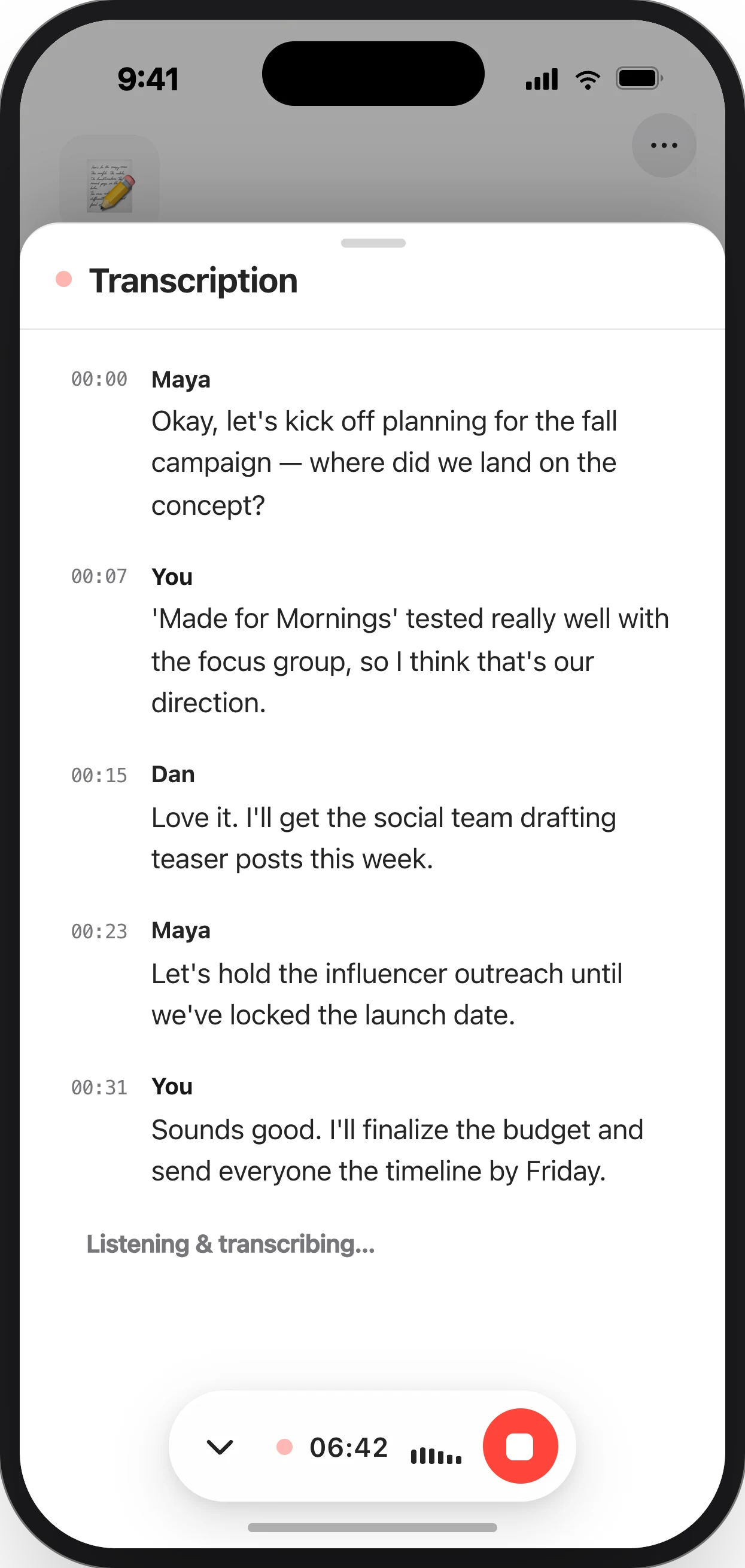
That's the whole thing, and it's on your laptop before you've put your phone away.
Recording keeps going when you lock your phone or switch apps, so you can start a thought and put the phone back in your pocket mid-sentence.
Don't Structure It
This is the part worth internalizing, because it's the opposite of how people usually approach dictation.
Don't compose. Don't try to speak in paragraphs. Ramble, contradict yourself, backtrack, say "actually no, the real problem is…" — all of that is useful signal, and organizing it is the app's job.
Enhance recognizes a solo recording as thinking rather than a meeting, so it gives you your key points grouped by theme rather than minutes. It keeps your voice and your intent. It's your thinking, cleaned up — not a report about your thinking.
What You Get
For a voice note, Enhance produces:
- Key points, grouped by theme rather than in the order you happened to say them
- Action items or Open questions, if there genuinely are any
It won't invent a decision you didn't make, and it drops sections that would be empty. Three minutes of circling one idea comes back as one clear point, not padded into a report.
Typing Instead
The same thing works without your voice. Dump messy text into a note — bullets, fragments, a paste from somewhere — then type / in the Ask bar and run Enhance or Cleanup.
| Skill | For |
|---|---|
| Enhance | Turn a mess into structure. |
| Cleanup | Keep the structure, fix the grammar and formatting. |
Making It Yours
If you're doing this daily, the built-in shape won't be quite right forever. Write a skill with your own prompt — a journal format, a decision log, whatever the thing you actually do is — and run it by typing / in the Ask bar.
That's the difference between an app that works and an app that fits.
Finding It Later
Voice notes pile up fast, and they're the hardest things to find, because you don't remember what you called something you didn't name.
Two ways through:
- Tags —
idea,follow-up,journal. A quick tap when you're done, worth it in a month. - Ask AI — "what was I thinking about the pricing model?" It reads across everything and answers with links.