
Mobile quick start
Install Prismical on iOS or Android, sign in, and capture your first voice note.
Mobile is for the thinking you do away from a desk — the walk, the commute, the thirty seconds after a call when you remember the thing you forgot to write down. Talk, and it becomes a note.
1. Install
Get it on the App Store, or search the App Store for Prismical. Needs iOS 16.4 or later. Every download link is also on prismical.ai/apps.
Get it on Google Play, or search Google Play for Prismical. Every download link is also on prismical.ai/apps.
2. Sign In
Open the app and swipe through the intro, or tap Skip. Tap Get started and Prismical hands off to your browser to sign in — Google, Apple, a magic link, or an email and password.
Use the same account as your other devices and everything's already there.
3. Capture a Thought
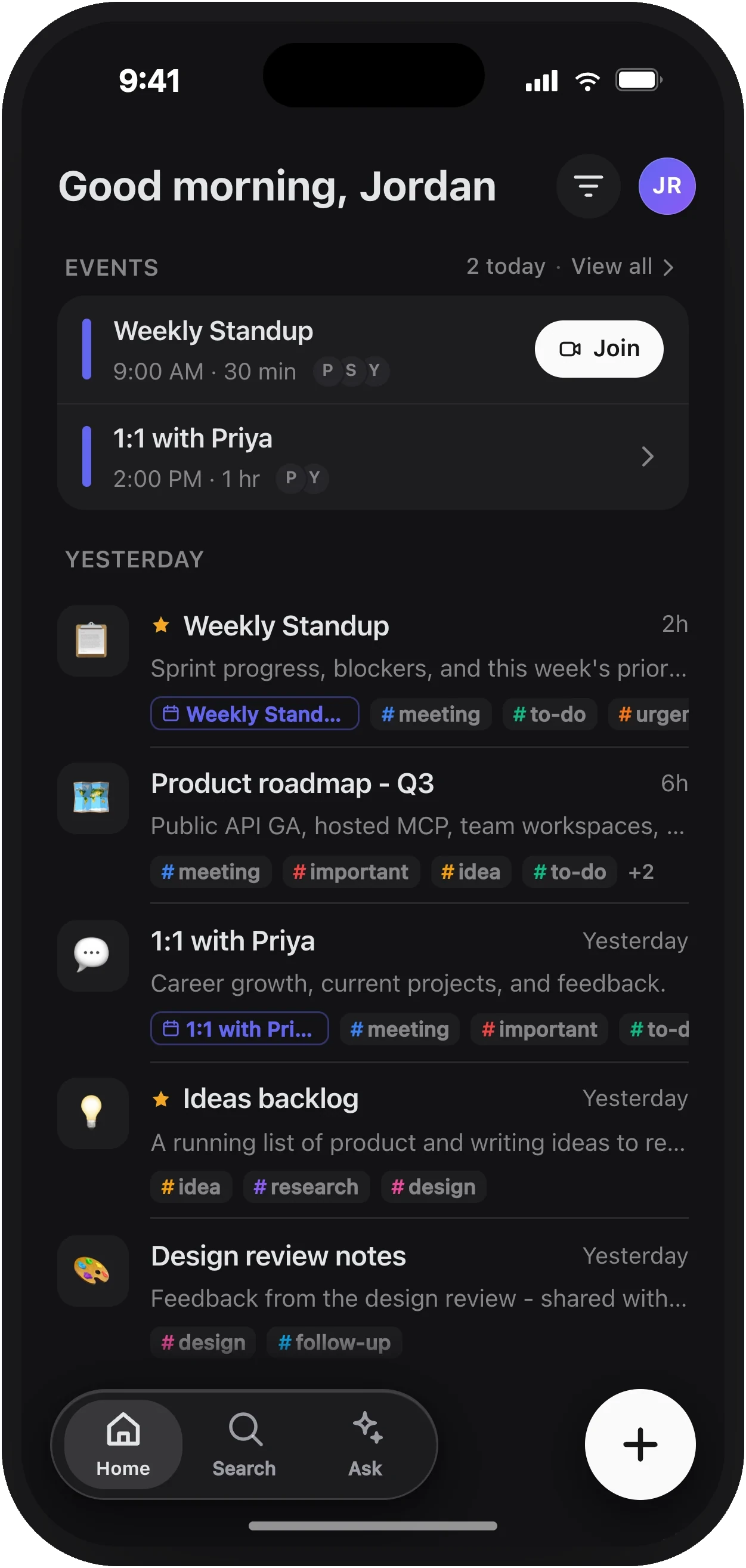
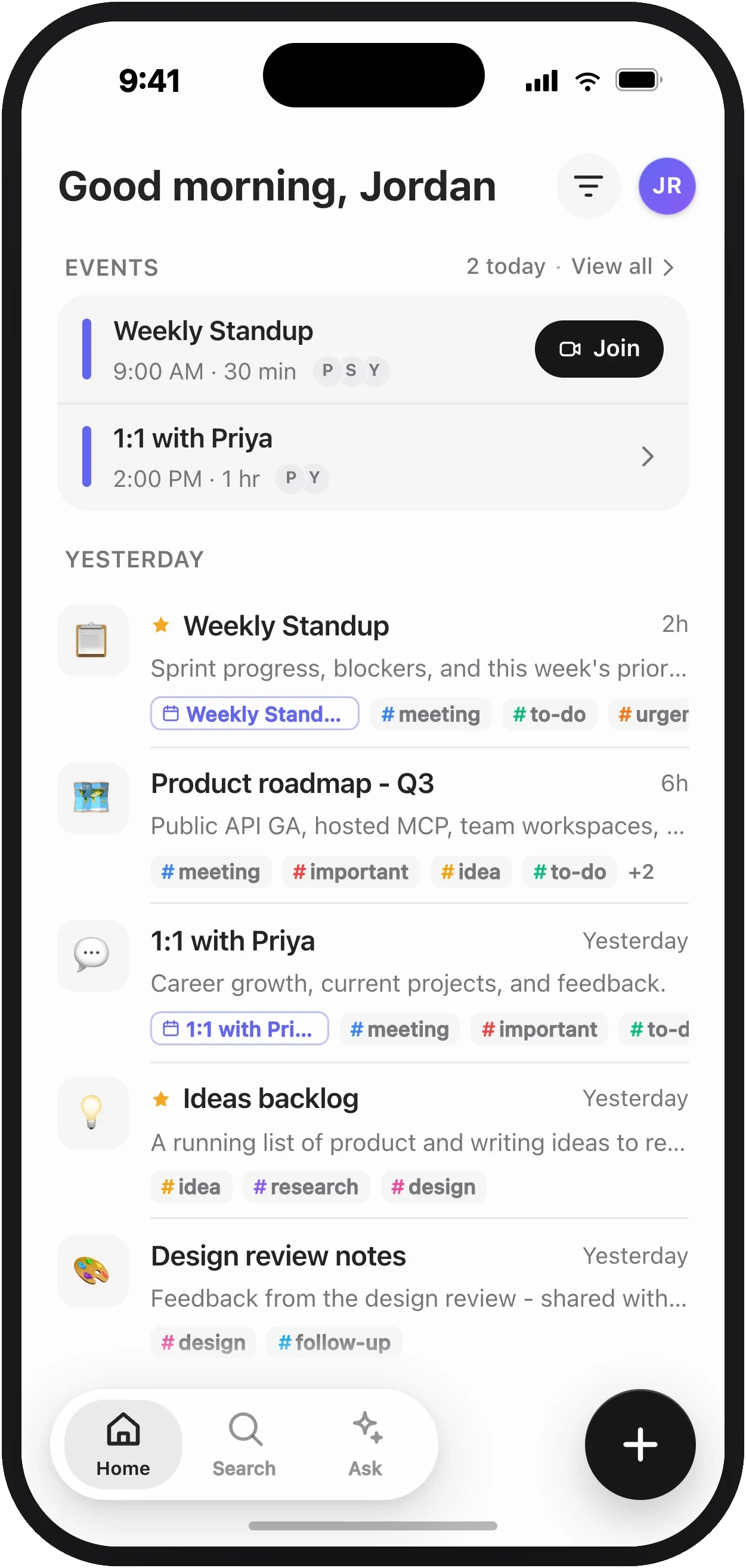
Tap +
The circle to the right of the tab bar. It makes a note and starts listening right away.
Allow the microphone
Asked once, the first time you record. If you dismiss it, tap the mic again and choose Open Settings to turn it back on.
Talk
Say the thing. Don't structure it — ramble, backtrack, think out loud. Sorting that out is the app's job.
The transcript appears as you speak.
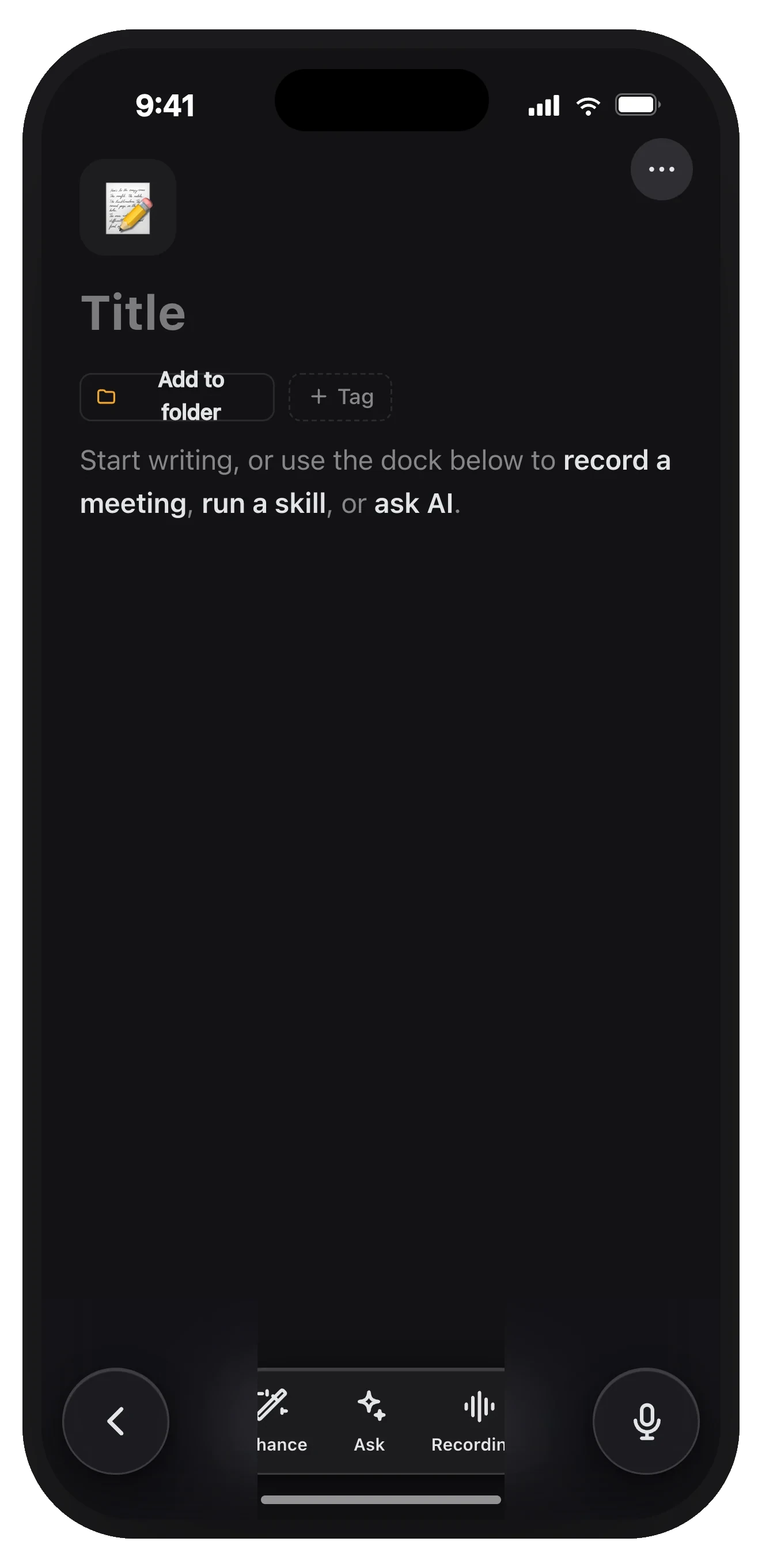
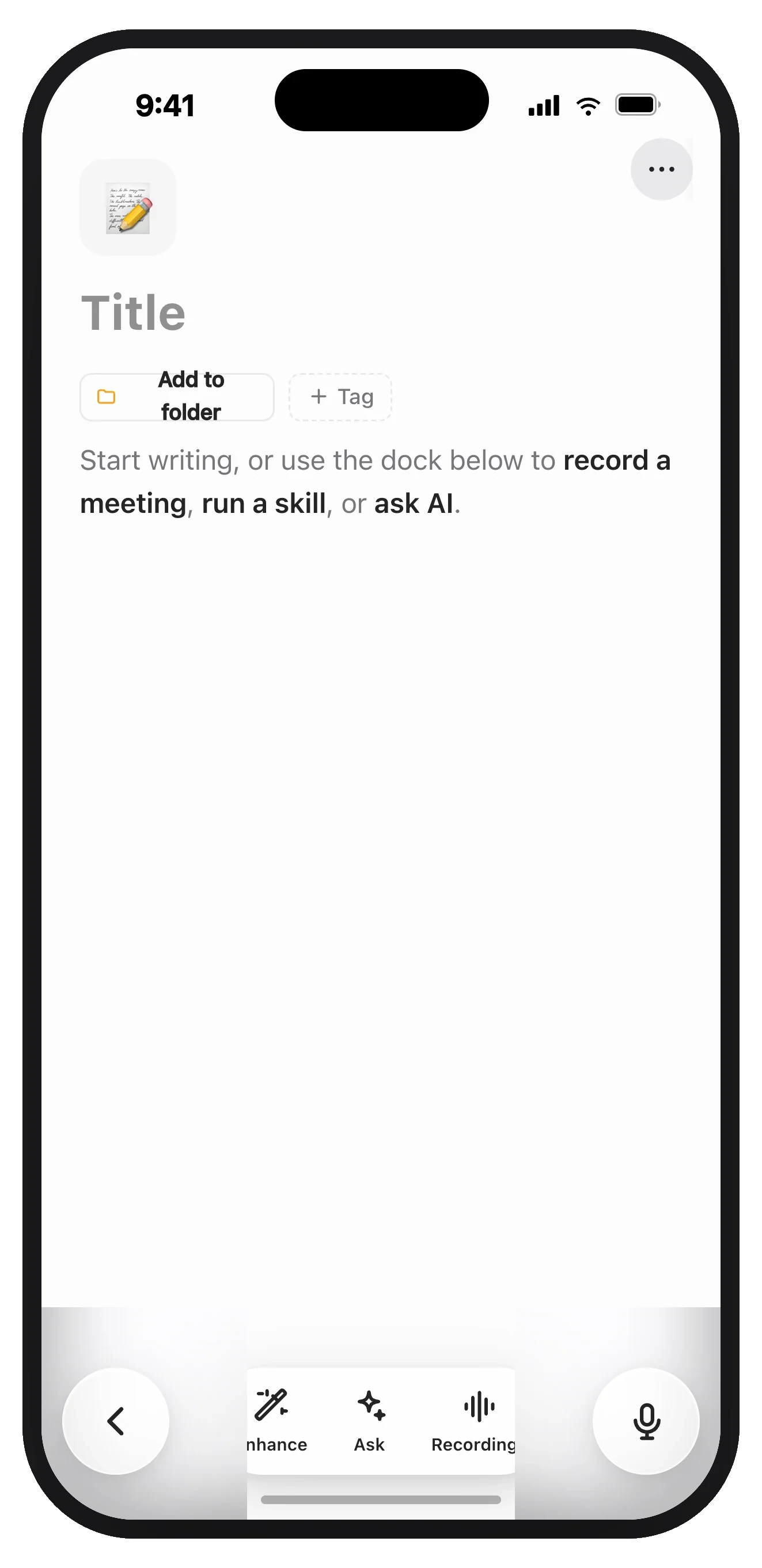
Stop, then Enhance
Tap stop. Then tap Enhance to turn the ramble into organized key points and action items.
Your note syncs immediately. It's on your laptop before you've put your phone away.
Recording Without Watching It
Recording keeps running when you leave the app or lock your phone, so you can start a voice note and put the phone in your pocket mid-sentence.
Getting Around
Three tabs along the bottom:
| Tab | What it's for |
|---|---|
| Home | Your notes, newest first, with starred ones pinned on top. |
| Search | Find a note by what's in it, or browse by tag. Works offline for titles and tags. |
| Ask | Ask questions across all your notes. See Ask AI. |
The + circle to the right isn't a tab — it's new-note-and-record.
Settings is behind your avatar in the top corner of Home.
What Mobile Is Good At
Your phone records your microphone — you, and whoever's in the room. That covers voice notes and in-person conversations, which is most of what a phone is for.
Recording both sides of a video call needs system audio, which is a desktop capability. See Platform support.