
AI models
What Prismical uses AI models for, and how to change the model behind each one.
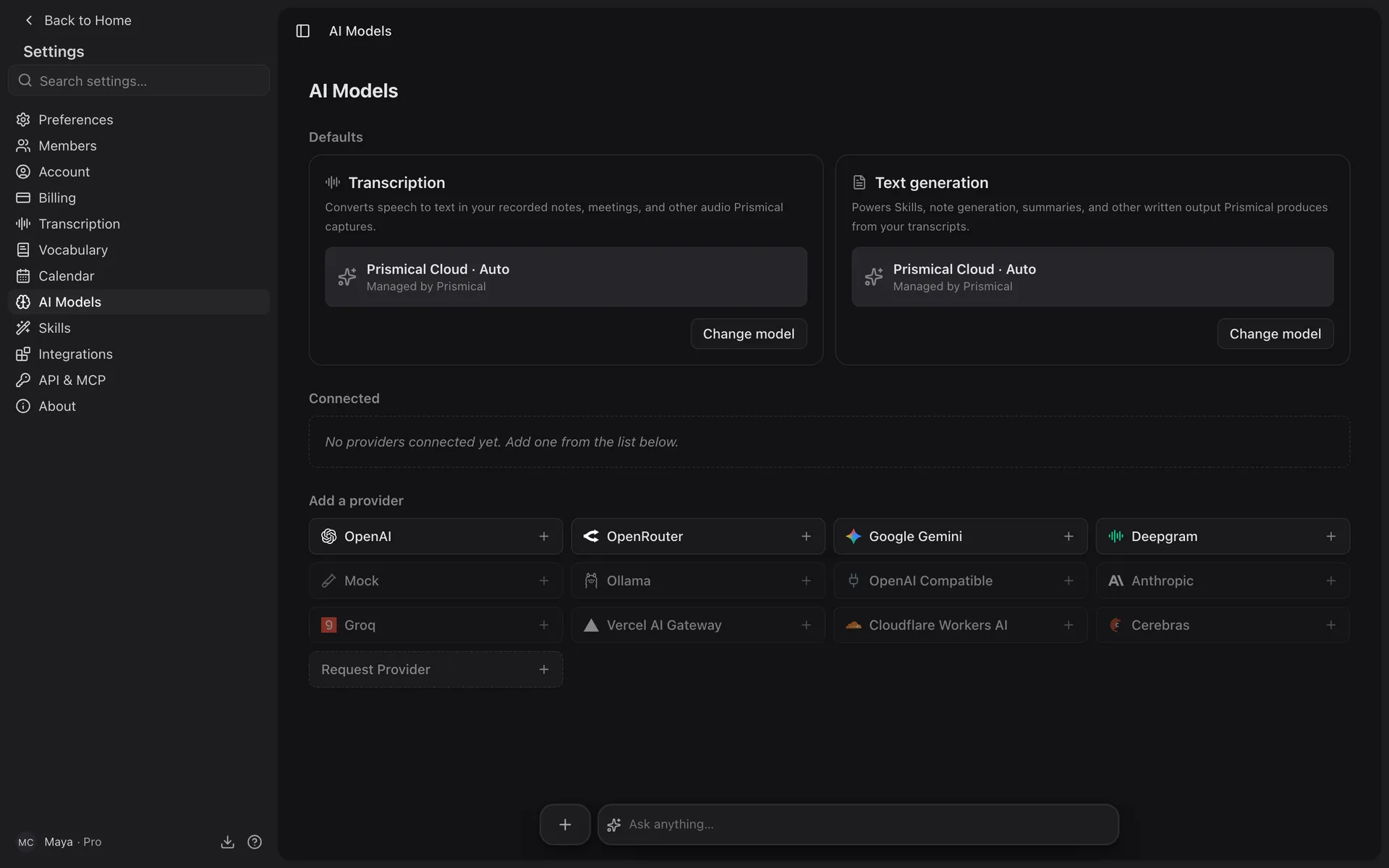
Prismical uses AI models for two different jobs, and you can set each one independently:
| What it does | |
|---|---|
| Transcription | Turns speech into text — every recording you make |
| Text generation | Writes from your notes: Enhance, AI Skills, Ask AI |
Both live in Settings → AI Models.
Auto, and Why You Might Leave It Alone
Out of the box both run on Prismical Cloud · Auto. We pick the model, we pay for it, and we move to better ones as they ship — so Auto quietly improves without you doing anything. For most people it's the right setting forever.
Changing a Default
Click Change model on either card, pick the source, then the model. Each default is one choice that applies everywhere — there's no per-note or per-skill model.
Your defaults live on your account, so they follow you between devices. Ask AI is the exception: you pick its model per question, in the Ask panel, and that choice is remembered per device.
Language and Microphone
Settings → Recording & transcription holds two things worth setting once:
- Spoken & transcription language — the language your recordings are in. Live transcription and the final transcript both use it, and you can change it for a single meeting from the recording panel.
- Microphone — which input to record from, or System default. A change applies to the next recording, and if that microphone disconnects Prismical falls back to the next available input.
On iOS and Android the same settings live under Settings → Dictation, with an Auto-detect language toggle as well.
The desktop app's microphone and language controls are still being finished, so desktop recordings use their existing defaults for now. Set the language on the web or your phone in the meantime.
Using Your Own Models
You can connect your own provider account instead, and pick a specific model — see Bring your own key. The desktop app can also transcribe entirely on your machine; see Local transcription.