
Lectures
Record long-form sessions like lectures and training, and turn them into notes you can revise from.
Some sessions are too long and too dense to take notes on properly — an hour of lecture, a training session where looking down means missing something.
Record it, listen properly, and read it back afterwards.
Getting a Good Recording
Long sessions live and die on the microphone.
Any device works — a phone on the desk is genuinely fine, and often better than a laptop, because you can put it closer to whoever's talking.
Get it near the speaker. A phone six feet from a lecturer beats a laptop twenty feet back, every time. This matters more than any setting.
Use the desktop app on Mac or Windows and you capture the speaker as system audio — a much cleaner signal than your microphone picking them up off your speakers.
See Meeting recording.
While It Runs
Don't transcribe. That's handled.
Type the things the recording won't contain: "this is on the exam", "good quote", "didn't follow this bit", "come back to the third assumption". Your notes are the index; the transcript is the archive.
For a long session, this is what turns two hours of audio into something you can actually use.
A Long Session in Pieces
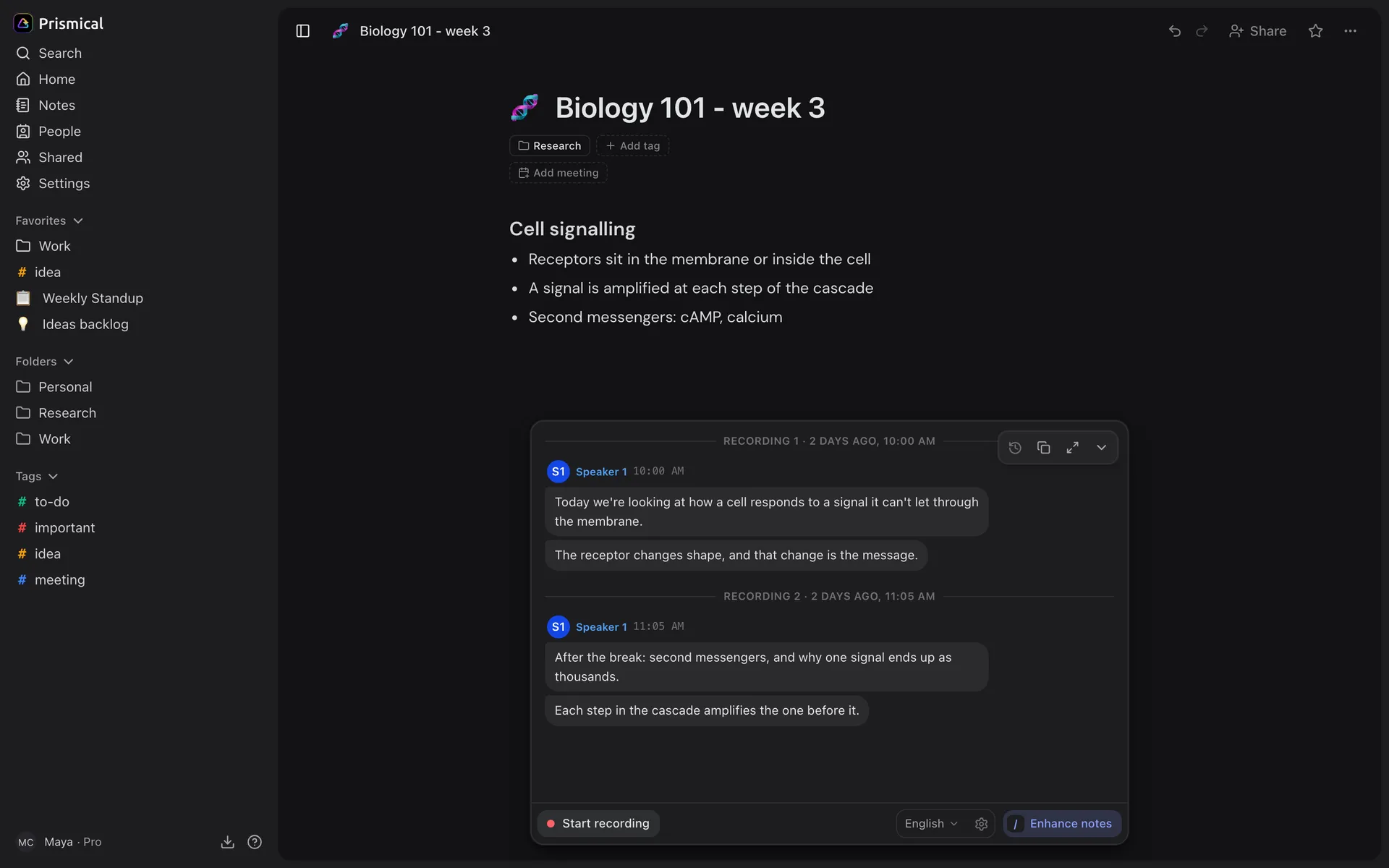
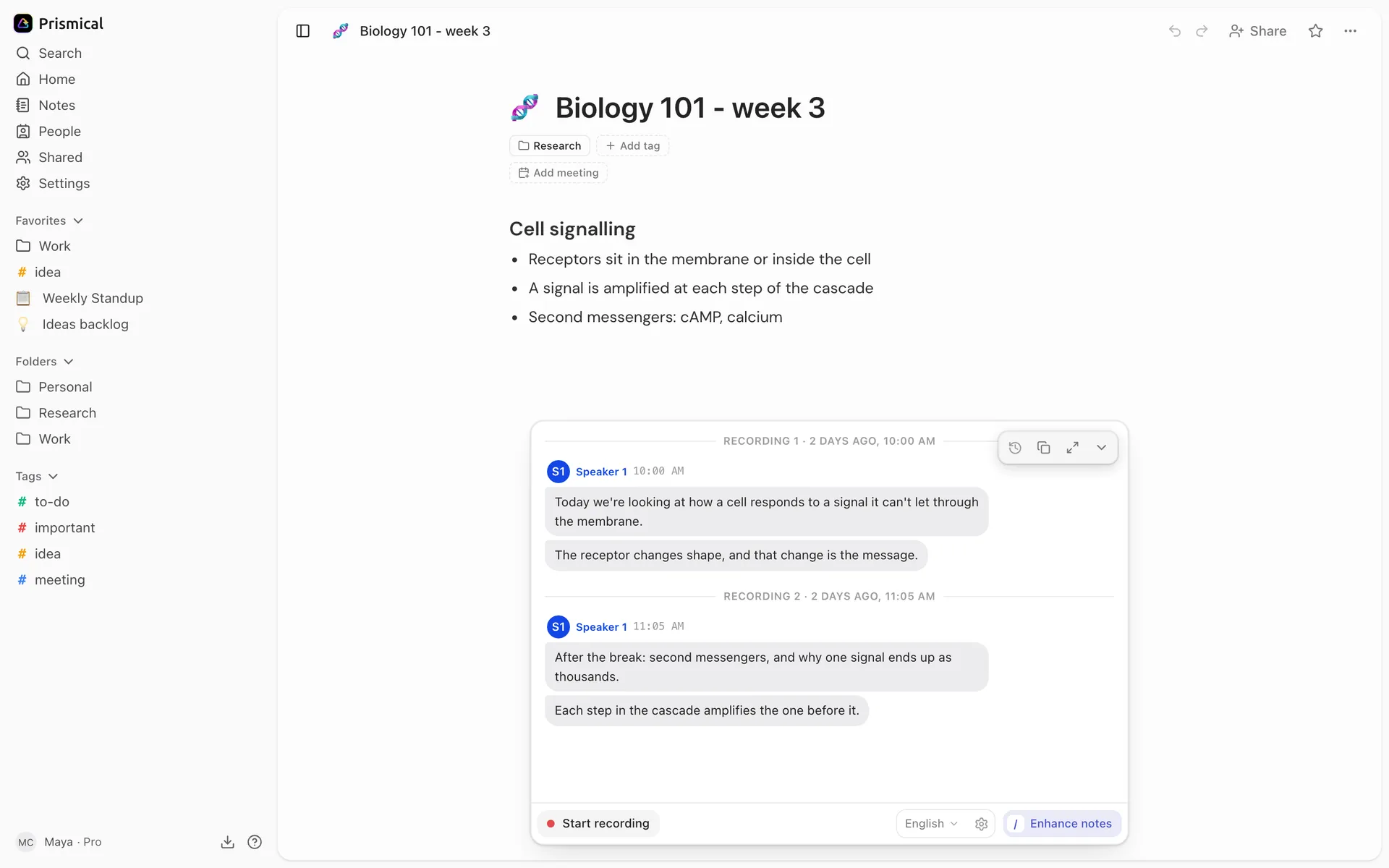
You don't have to run one recording for two hours. Stop at the break and start again after — both attach to the same note.
That's often better: you can fold each part in separately and end up with a note that's sectioned the way the session was. See Recording.
Recording survives more than you'd expect — a crash, a flat battery, a dropped connection. The audio is written to disk as it's captured and transcribed when things recover. See Recording.
Afterwards
Enhance turns the session into structure: key points grouped by theme, and open questions where they exist.
For a long recording, the text box earns its keep. Apply nothing on the first pass — ask for "organize by topic", or "more detail on the middle section", and run it again.
The transcript stays alongside, so when you need the exact wording of a quote, it's there. Copy transcript gets you the whole thing.
Building Something Out of a Term
One lecture is a note. Twelve is a body of knowledge, and that's where this pays off.
Tag them by course or subject, then use Ask AI with that tag as context — "what did we cover on regularization?" — and you're asking the whole term rather than hunting through weeks of notes.