
Organizations
Set up an organization, invite people, assign roles, and control what members can share.
Your notes live in an organization, and you already have one — Prismical made it when you signed up, with you as its owner. If you're using Prismical alone, you can ignore this page entirely.
Inviting People
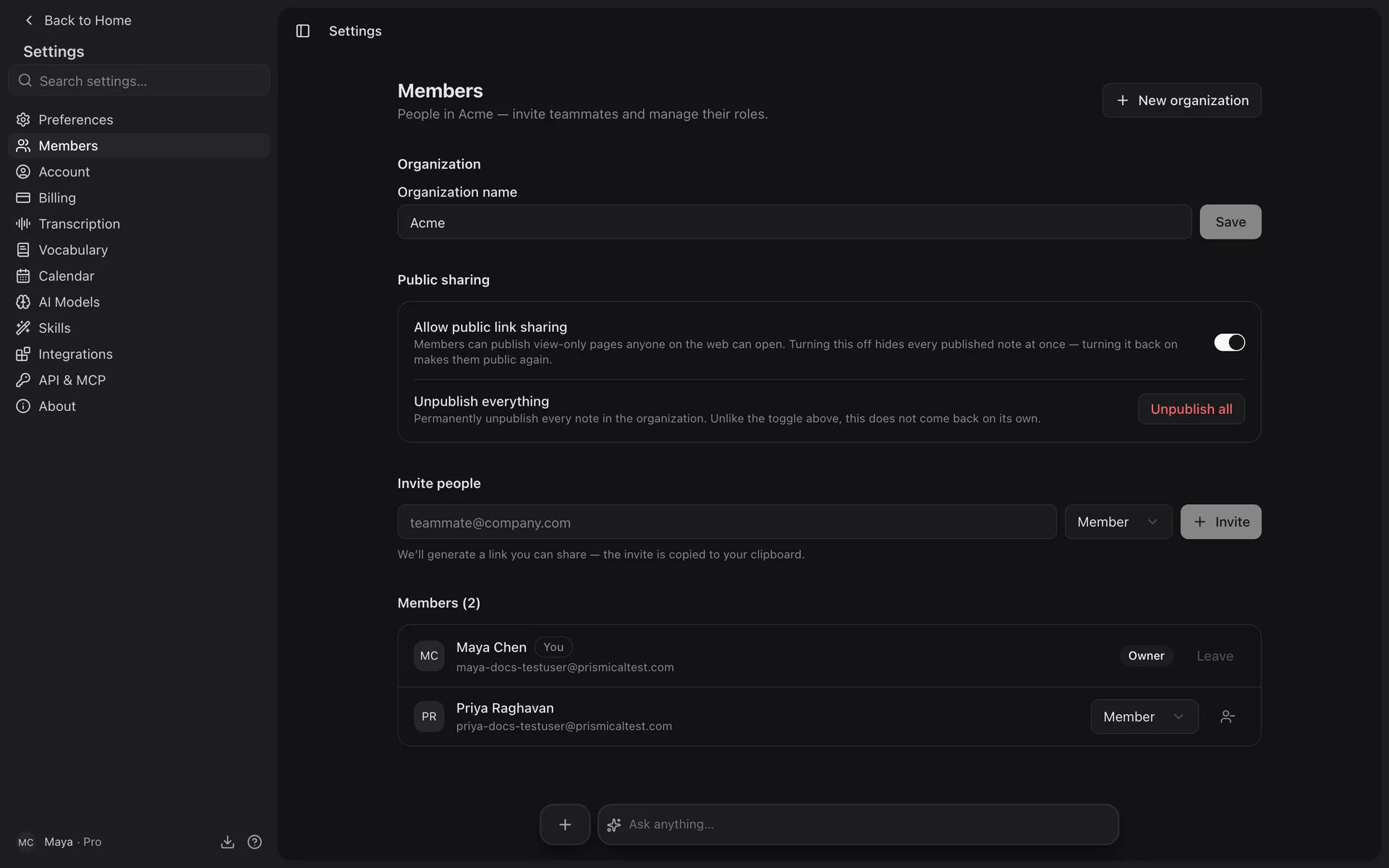
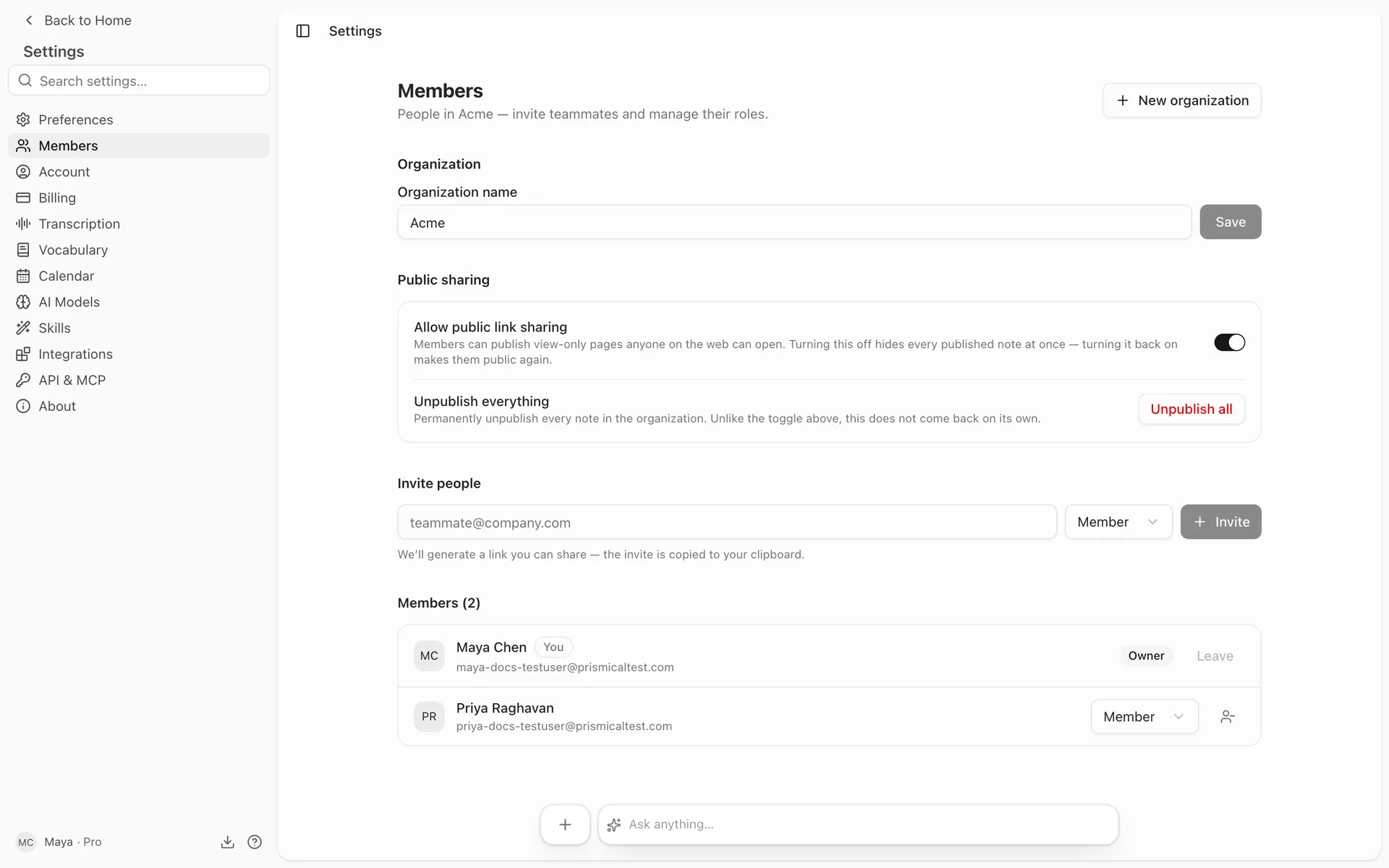
Go to Settings → Members, enter an email address, pick a role, and send. If they don't have a Prismical account, the invitation walks them through making one.
Only owners and admins can invite.
See Plans for how seats are billed.
Roles
| Role | Can |
|---|---|
| Member | Work with notes, and share their own. |
| Admin | Everything a member can, plus rename the organization, invite and remove people, and control sharing policy. |
| Owner | Everything an admin can, plus make someone else an owner. |
A couple of rules that keep an org from locking itself out:
- Only an owner can promote someone to owner, or change another owner's role.
- The last owner can't be removed or demoted. Hand ownership over first.
- Invitations can only be sent as admin or member — ownership is granted afterwards, deliberately.
Controlling Public Links
Owners and admins can turn public links off for the whole organization, which suits teams whose notes shouldn't be one forwarded URL away from anyone. Members then see "Your organization has public link sharing turned off."
There's also a revoke-all, which kills every existing public link in the organization at once — the thing you want when something's gone out that shouldn't have.
Belonging to More Than One
You can be in several organizations — your own, plus your employer's, plus a client's. Switch between them from the account menu; a checkmark shows which one you're in.
Each organization is a separate world. Its notes, folders, tags, and people are its own, and Ask AI only ever sees the one you're currently in. If a note has gone missing, check you're in the right organization before anything else — this is the most common explanation.
Creating a new one is Create organization in the same menu.