
Transcription Models
How Prismical turns speech into text, and how to use your own provider key instead.
Transcription is the step that turns your recording into text. Prismical handles it for you by default, and you can point it at your own provider if you'd rather.
The Default
Out of the box, transcription runs on a model Prismical manages — shown as Auto in settings. Nothing to configure, no key to paste, no bill from anyone but us.
It's built for the thing this app is for: real conversations, several people, and the general mess of how humans actually talk.
Languages
Where the language comes from depends on where you're recording.
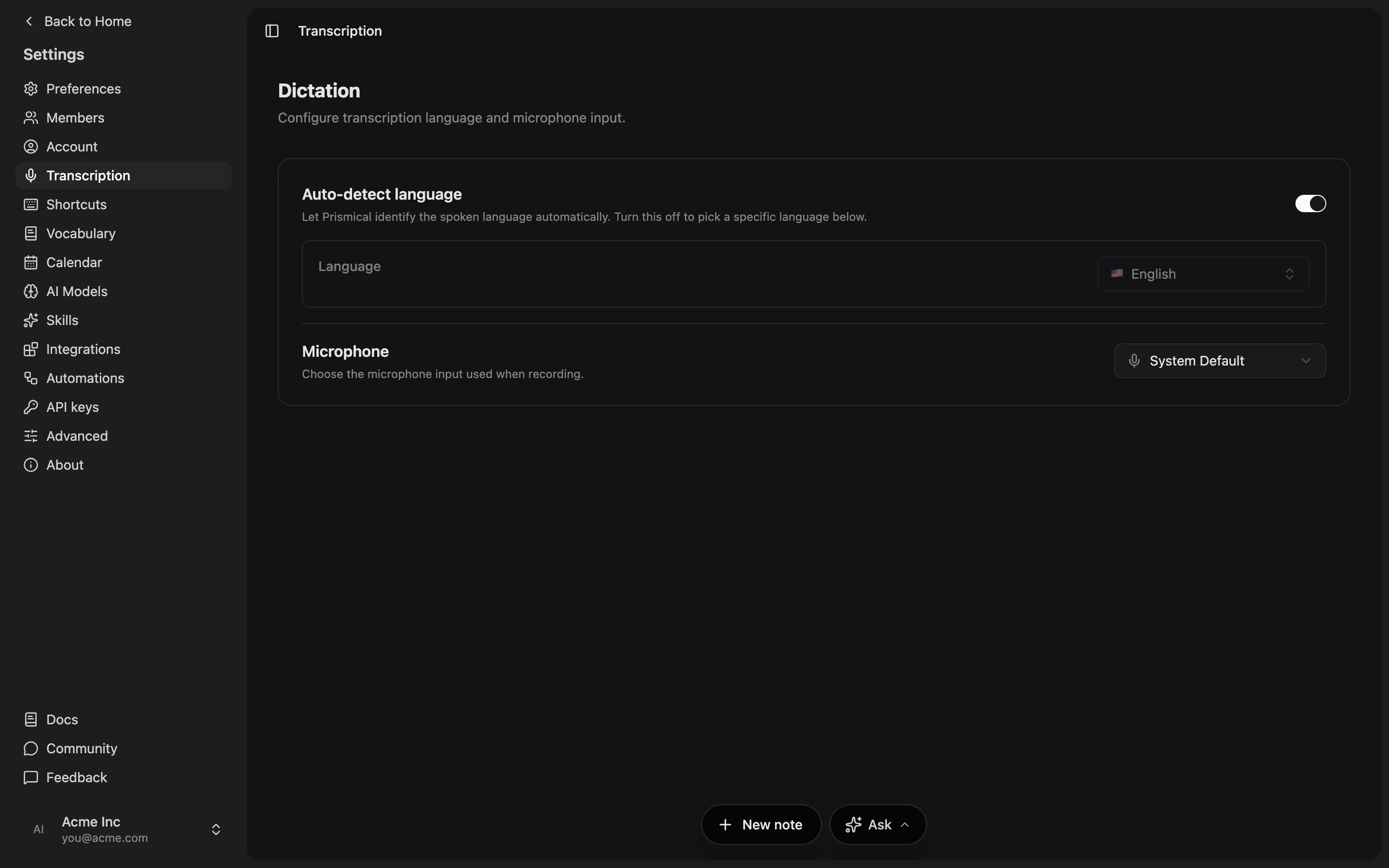
Nothing to set — the model works out what it's hearing, and handles a conversation that switches languages mid-sentence.
Set your transcription language in Settings → Transcription.
Set your transcription language in Settings → Transcription.
Desktop recordings currently transcribe as English. If you're recording in another language, the web app detects it automatically.
Desktop recordings currently transcribe as English. If you're recording in another language, the web app detects it automatically.
Using Your Own Key
Premium
Bringing your own AI keys is a Premium feature.
See what each plan includes.You can transcribe with your own OpenAI key instead of Prismical's model.
Go to Settings → AI Models and click Add a provider.
Pick OpenAI, give it a label, and paste your API key.
On the Transcription default card, click Change model.
Choose your provider, then the transcription model you want.
Prismical lists whatever transcription models your key can reach, so the choice is your provider's to make, not ours.
OpenAI is the only provider that can transcribe. OpenRouter works for text generation but has no speech models, so it won't appear as an option here.
Your own key means your own bill, and your own agreement with that provider about what they do with the audio. Transcription you pay for is tracked separately and never counted against your Prismical allowance — see Plans & limits.
If you delete a provider that a default was pointing at, transcription quietly falls back to Auto rather than breaking.
Where Your Choice Applies
Your transcription model is stored on your account rather than per device, and it's a single choice — there's no per-note or per-recording model picker.
Recordings made in the desktop app currently use Prismical's managed model regardless of this setting. To transcribe with your own key, record in the browser.
This is separate from the Text generation model behind Enhance, skills, and Ask AI. They're different jobs and they're configured independently. See AI models & BYOK.