
MCP server
Expose your notes and transcripts to Claude, ChatGPT, and other MCP-compatible assistants.
Prismical publishes an MCP server, which means Claude, ChatGPT, Claude Code, and any other MCP-compatible assistant can read your notes and transcripts — with your permission.
Ask Claude to draft a follow-up from yesterday's call and it can go and read yesterday's call.
This is the opposite direction from Connected tools, which is Prismical reaching out to your tools.
The Endpoint
https://mcp.prismical.ai/mcpThere's nothing to install and nothing to turn on. The server is live; you just point an assistant at it.
Connecting an Assistant
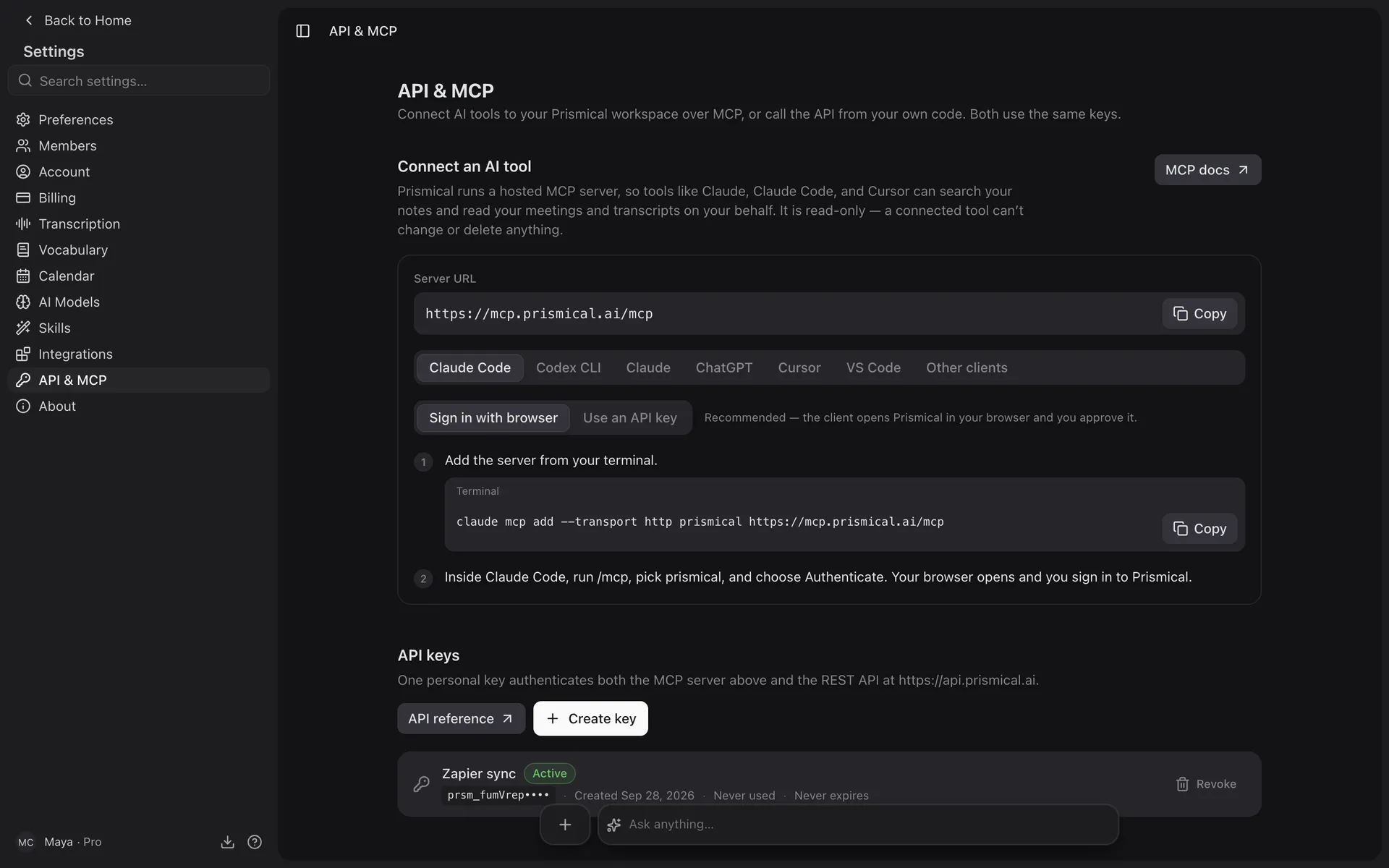
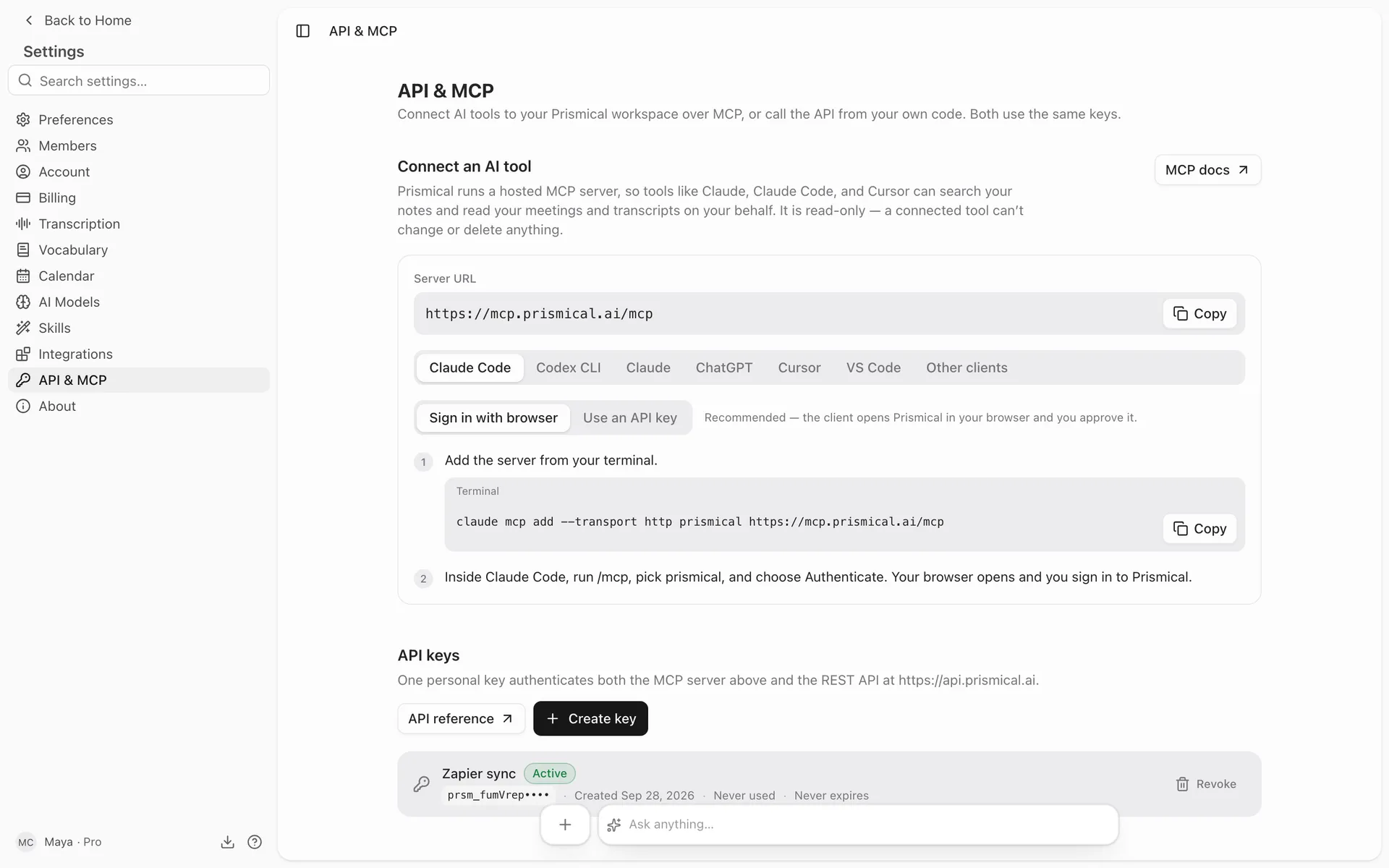
Add a custom connector in Claude's settings with the URL above.
Claude registers itself and sends you to Prismical to sign in. Approve the consent screen and you're connected — no key to paste.
claude mcp add --transport http prismical https://mcp.prismical.ai/mcpYou'll be walked through signing in on first use.
Any client that speaks MCP over HTTP works. Point it at the URL above.
If your client supports OAuth, it can sign in the same way. If it doesn't, create an API key and send it as a bearer token:
Authorization: Bearer prsm_your_key_hereSigning In
Two ways, depending on your client:
| Sign in with Prismical | Your client sends you to a Prismical consent screen. Approve, and it's connected. This is the good path — nothing to copy, and you can see what you're granting. |
| API key | Create one at Settings → API & MCP and send it as Authorization: Bearer prsm_.... For clients that can't do OAuth. See API. |
Either way, an assistant sees exactly what you can see: your own notes, plus anything shared with you, in your current organization.
What an Assistant Can Do
Read your workspace. That's all.
The MCP server is read-only. An assistant can search and read; it can't create, edit, or delete anything. Asking Claude to "clean up my notes" won't touch them.
The tools it offers:
| Tool | What it does |
|---|---|
| whoami | Which account and organization it's connected to. |
| search | Full-text search across your notes — their titles and bodies. |
| fetch | Fetch one note, recording, meeting, folder, tag, or artifact by id. Notes come back with their full text. |
| list_notes | List notes, filtered by folder, tag, meeting, or date. Metadata and an excerpt — not full bodies. |
| list_events | Your calendar meetings, by date range. |
| list_recordings | Your recordings, filtered by note or meeting. |
| get_transcript | A recording's transcript — as text, or as segments with speakers and timestamps. |
Worth Knowing
This gives an assistant your notes, and that includes your transcripts — the raw record of what was said, not just what you wrote up. Connect assistants you're comfortable handing that to, and check that provider's policy on what they do with it.
Your organization matters: the server sees the organization you're currently in. If you're in several, an assistant reads the active one. See Organizations.