
People
Browse the people you meet and the companies they belong to, built automatically from your calendar.
People is a directory of everyone on your meetings. You don't build it — it builds itself from your calendar. It's on the desktop and web apps today, and coming to iOS and Android.
Where It Comes From
Every meeting has attendees, and every attendee has an email address. Prismical reads those from your connected calendar and keeps a running list of the people behind them, with a count of the meetings you share.
Company comes from the email domain, so everyone at @acme.com collects under Acme.
The common personal providers are filtered out, though a niche one may still show up
as a company.
People is empty until you connect a calendar. It has no other source — it can't learn about someone from a note that mentions them.
Using It
People in the sidebar lists everyone, with a filter for All, External, or Team. Team means someone in your Prismical organization; external is everyone else — the useful cut when you want customers and not colleagues.
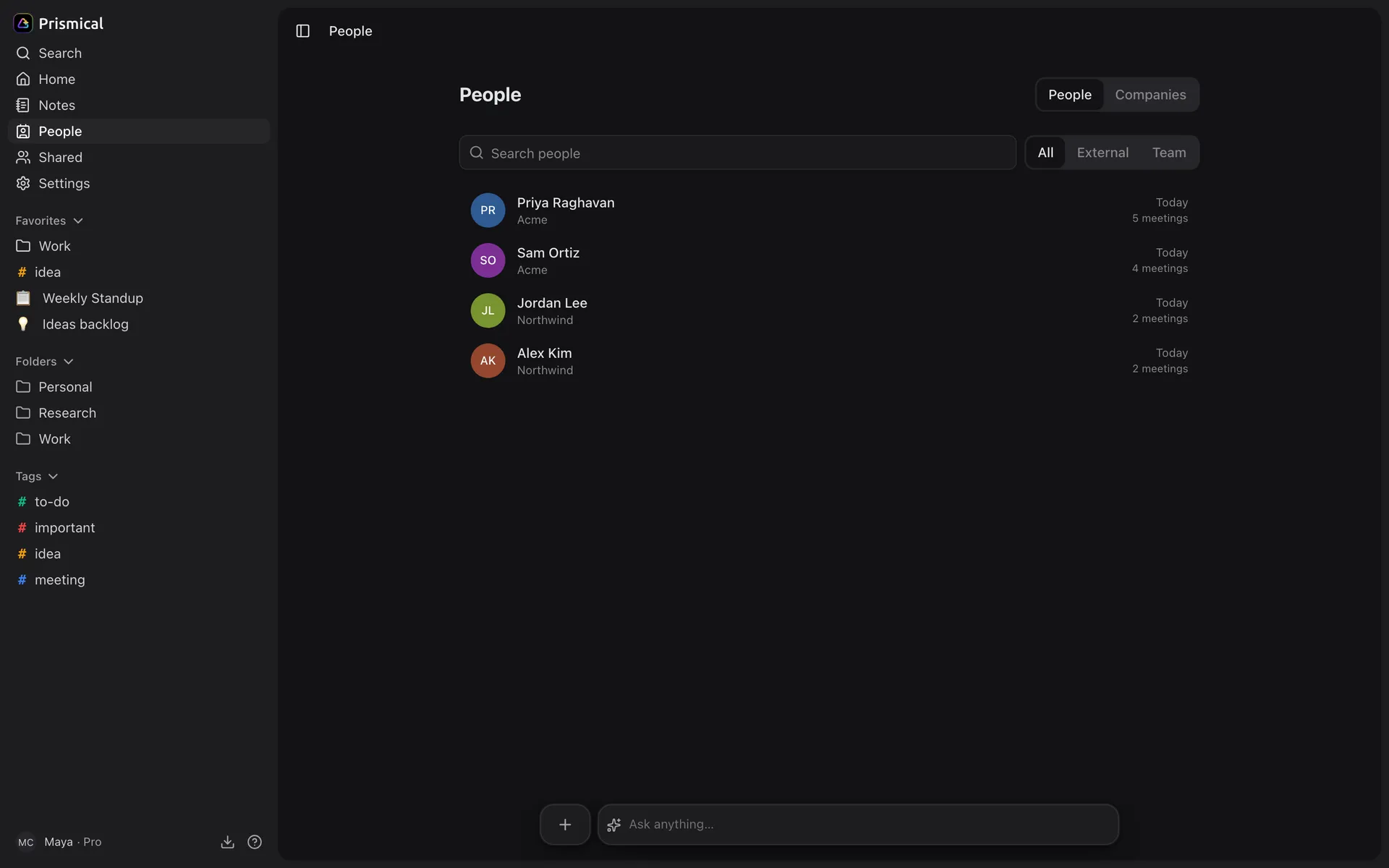
Click a person for their meetings and their company. Click a company for everyone you know there.
Putting Names on Voices
People is where speaker identification gets its names. Open a speaker in a transcript, choose Tag person…, and you're picking from this directory — with the attendees of that meeting offered first. Tag someone once and their name follows that recording everywhere it goes.
That's the practical reason to connect a calendar even if you never look at the People screen itself.
What It's For
It answers the question you can't answer from a notes list: when am I in a room with this person, and how often?
Pair it with Ask AI for the rest — People tells you Acme is on your calendar every fortnight; Ask AI tells you what you agreed to.
The counts come from your calendar, so they include meetings that haven't happened yet and people who were invited but declined. It's a picture of who's on your schedule, not an attendance record.