
Web quick start
Sign in to the Prismical web app, connect your calendar, and record your first note in the browser.
The web app needs no install. Open a tab, sign in, and record — it's the fastest way to see what Prismical does. If you'd rather watch than read, start here:
1. Sign In
Go to app.prismical.ai. You'll land on the sign-in screen straight away.
Choose Continue with Google, Continue with Apple, or Continue with Magic Link — or click Don't have an account? and then Create an account to use an email and password. Email sign-ups need verifying: check your inbox for the link before continuing.
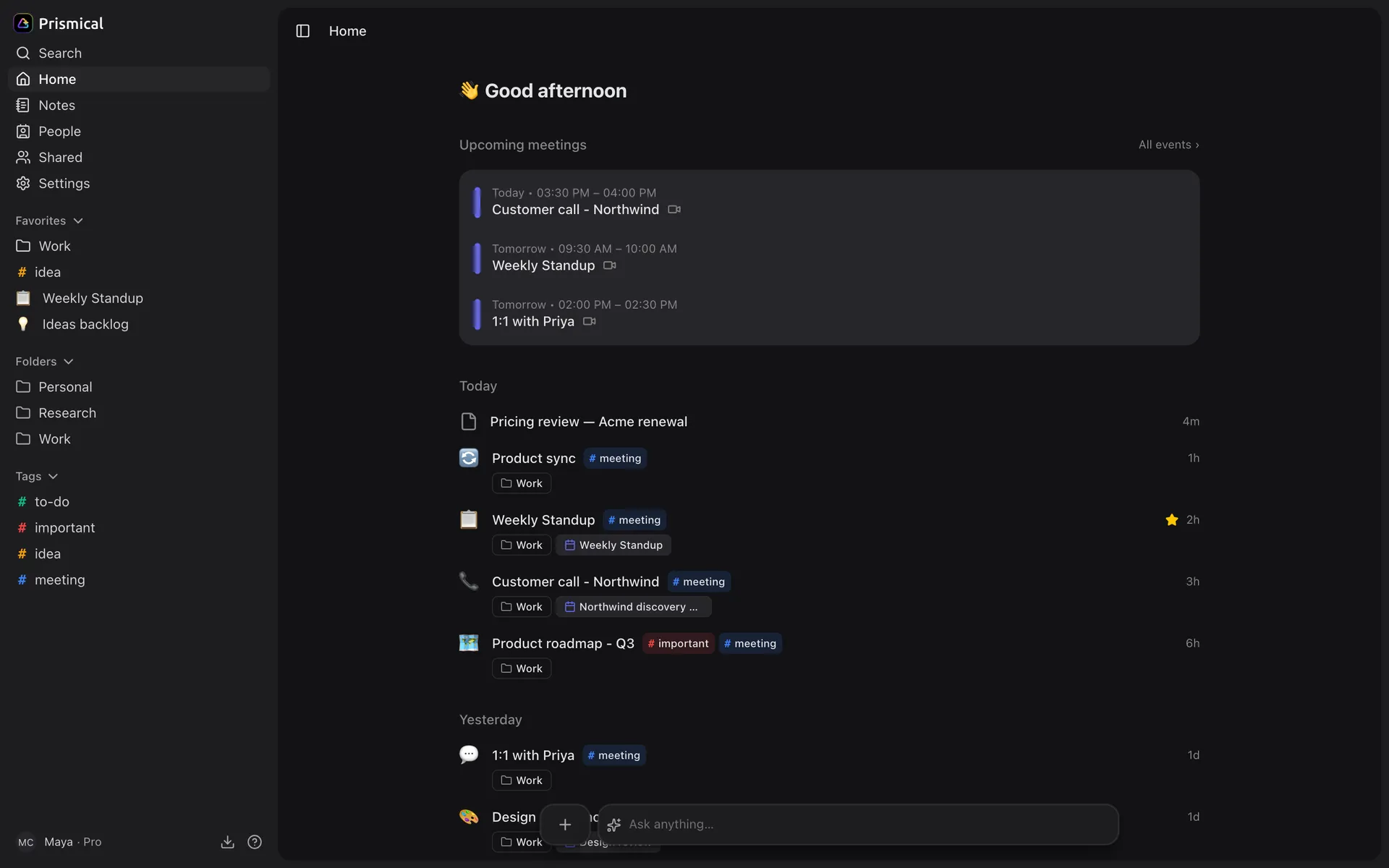
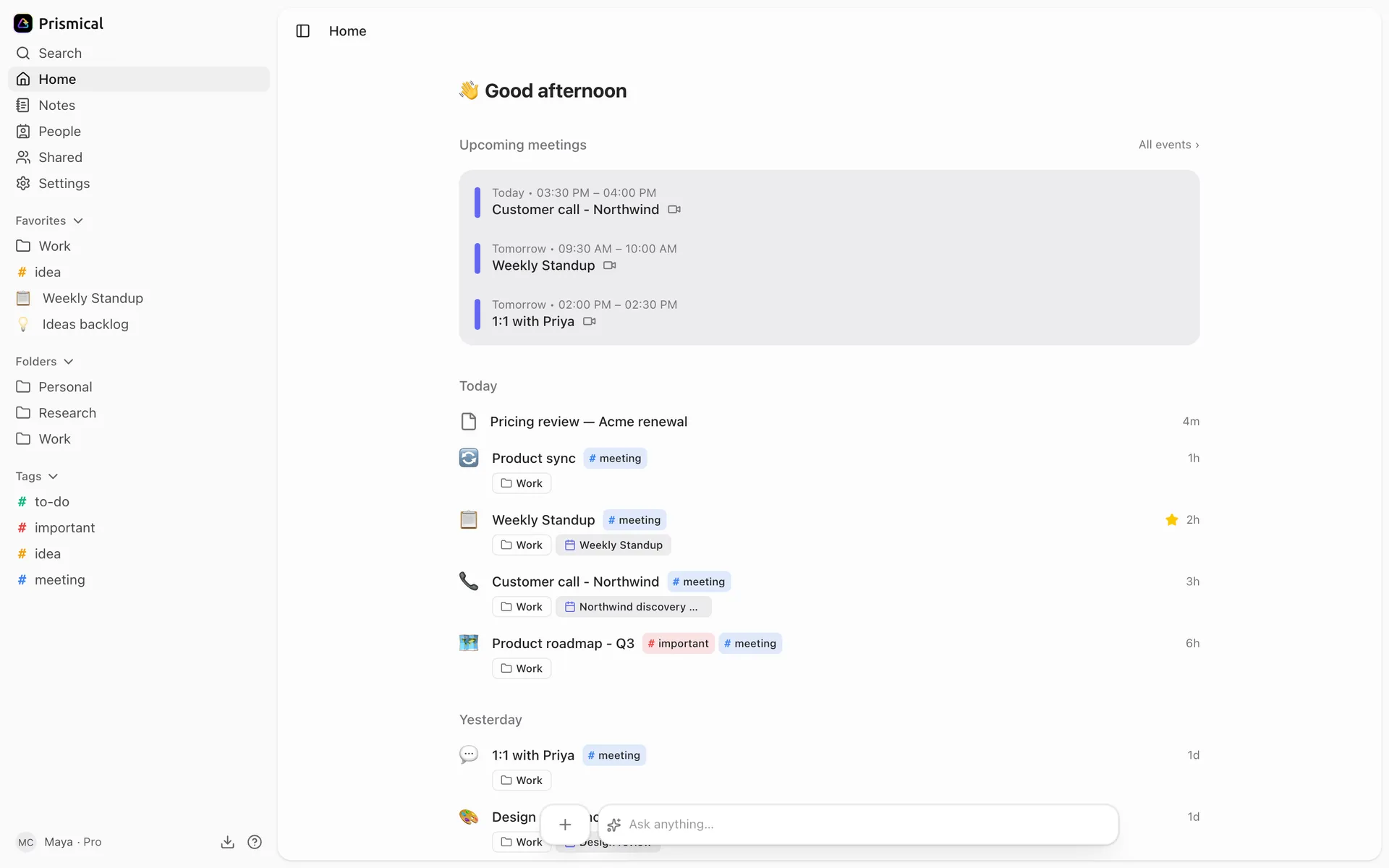
Once you're in, you land on Home.
2. Record
Make a note
Click New note in the dock at the bottom of the window.
Start recording
Click the waveform button in the dock at the bottom of the note, then Start recording in the panel that opens.
Your browser asks for microphone access the first time. Allow it — if you dismiss the prompt, Prismical shows "Microphone access was denied" and you'll need to re-allow it in your browser's site settings.
Type while it runs
Jot down names, decisions, links — whatever you'd normally write. You don't need to transcribe; that's happening already. These notes are what make the finished note yours.
Watch the transcript
The transcript fills in inside the recording panel as people talk. Hide the panel with the arrow at its top right; the waveform in the dock brings it back.
Stop
Click stop. Prismical enhances the note automatically — straight into the note if it was empty, or as a draft to read and Apply if you'd written something.
That's the loop. See Enhance for what it does and how to change it.
What the Browser Can and Can't Hear
This is the one thing to understand about the web app.
The browser records your microphone. That's perfect for an in-person conversation, a voice note, or a room where everyone's around one laptop.
It can't capture system audio — what your computer is playing. On a video call that means you get your own voice and not the other people's. Recording both halves of a call needs the desktop app.
Connect Your Calendar
Link your calendar and Prismical can attach notes to the meetings they belong to, so a note is filed against the right event with the right attendees — which is also how Enhance knows whose name to put on an action item.
See Calendar.
Getting the Other Apps
Prismical will offer you the desktop and mobile apps once, shortly after you sign up. If you clicked Maybe later and want them now, there's a Get the apps link in the sidebar, or head to prismical.ai/apps.