
Updating Prismical
How to get the latest version of Prismical on each platform.
How you get a new version depends on where you're running Prismical.
Web
Nothing to do. The web app is always current — reload the tab and you have the latest.
iOS and Android
Your app store handles it, like everything else on your phone. Turn on automatic updates there and you'll never think about it.
Mac and Windows
The desktop app updates itself. It checks shortly after launch and then periodically while it's running, and when a new version is ready you'll see Update available in the sidebar and an Update Available prompt offering Restart & Update or Later. Restarting is all it takes.
Occasionally a version stops being supported, and Prismical will say so and ask you to update before carrying on.
If an update won't download, Download manually and install the current build over the top:
Installing over an existing copy is safe — your notes are in your account, not in the app, so nothing is lost either way.
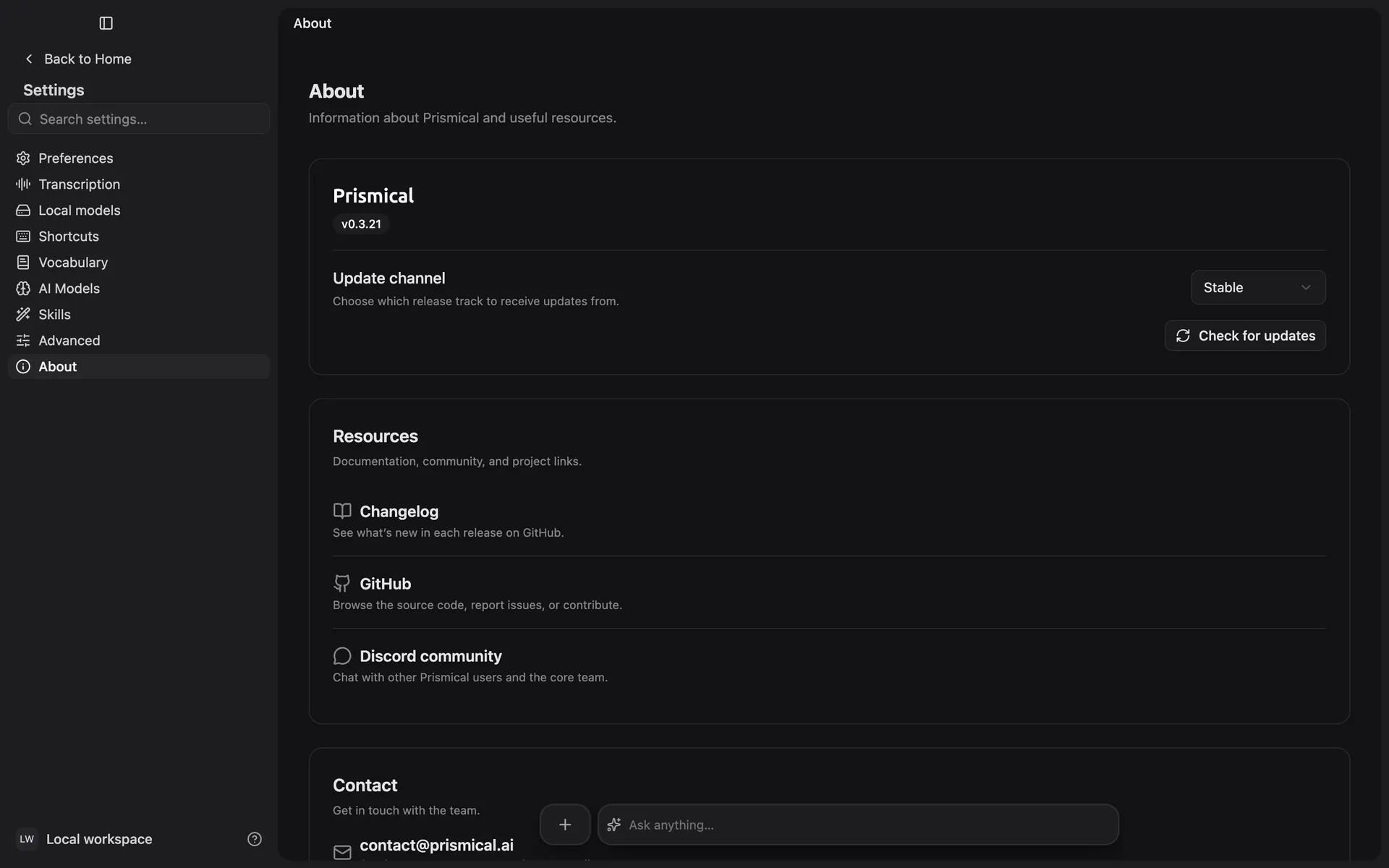
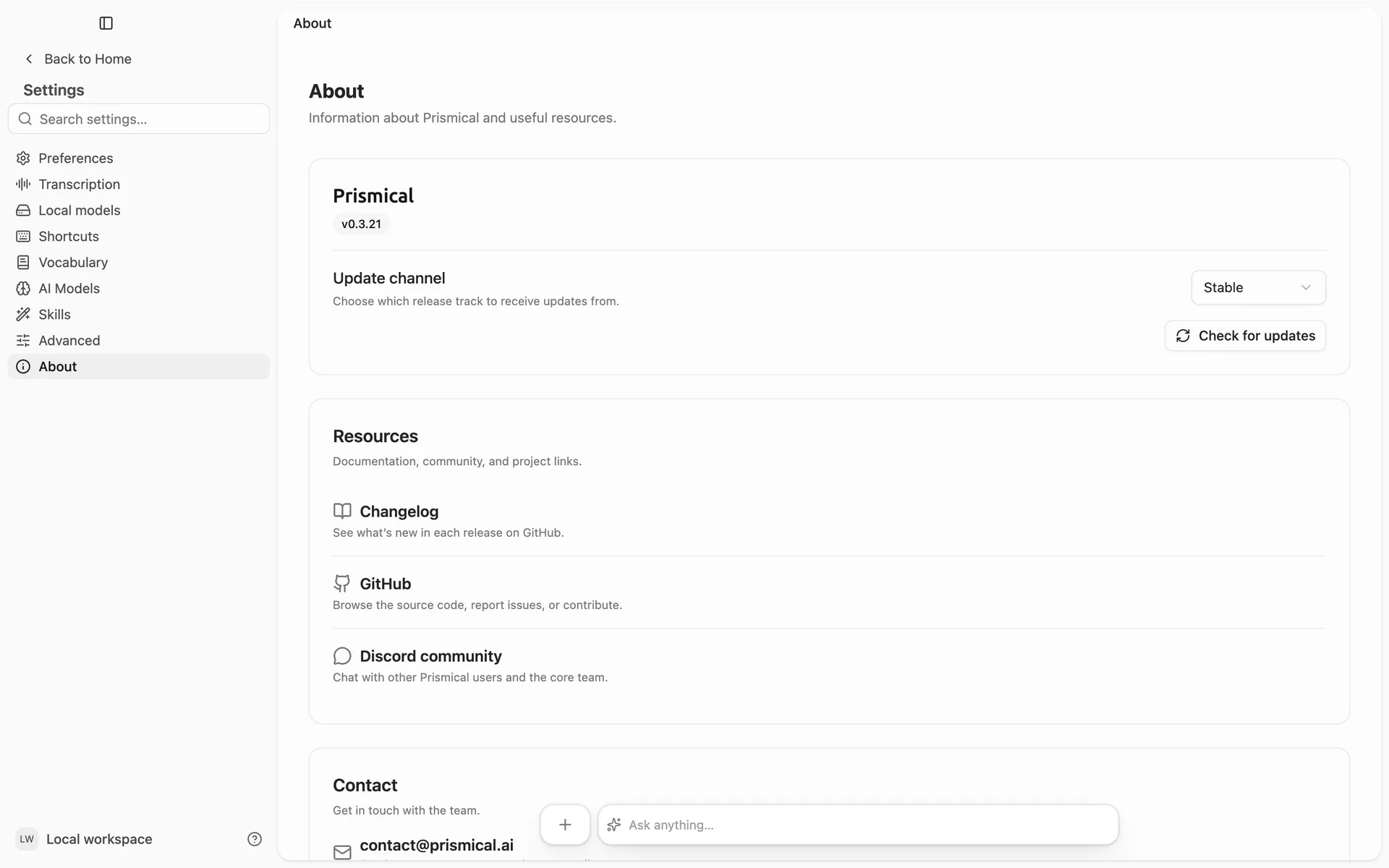
Check Settings → About to see the version you're on. The Changelog link on the same screen shows what's shipped since.