
Floating notes
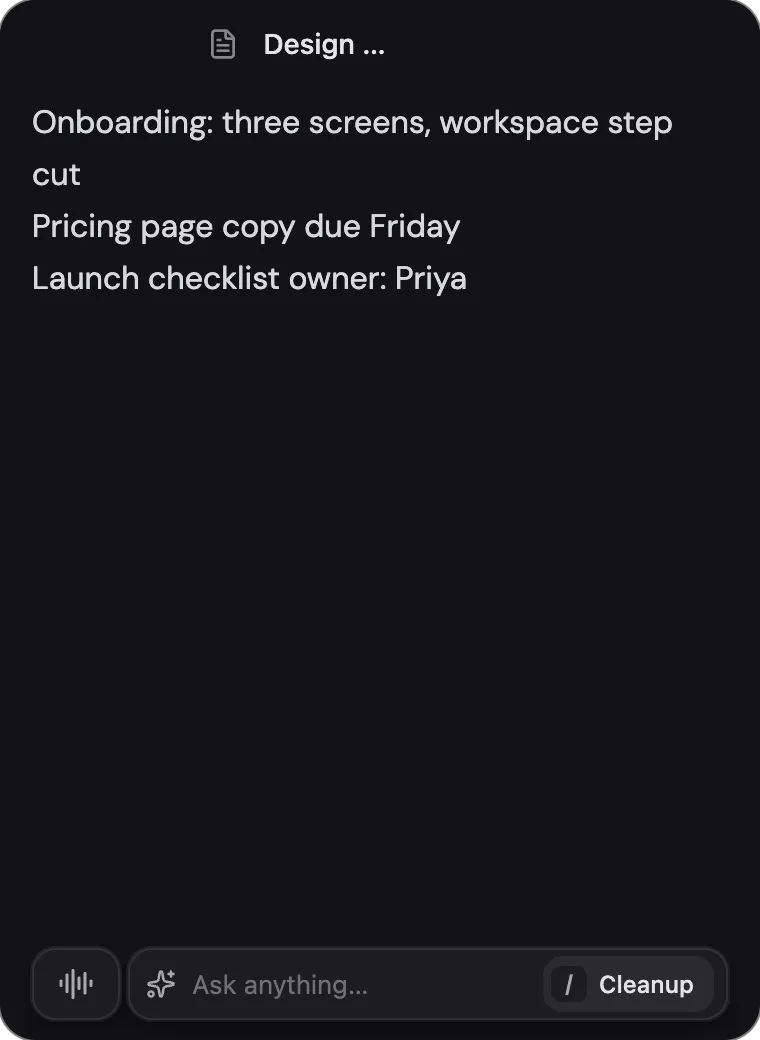
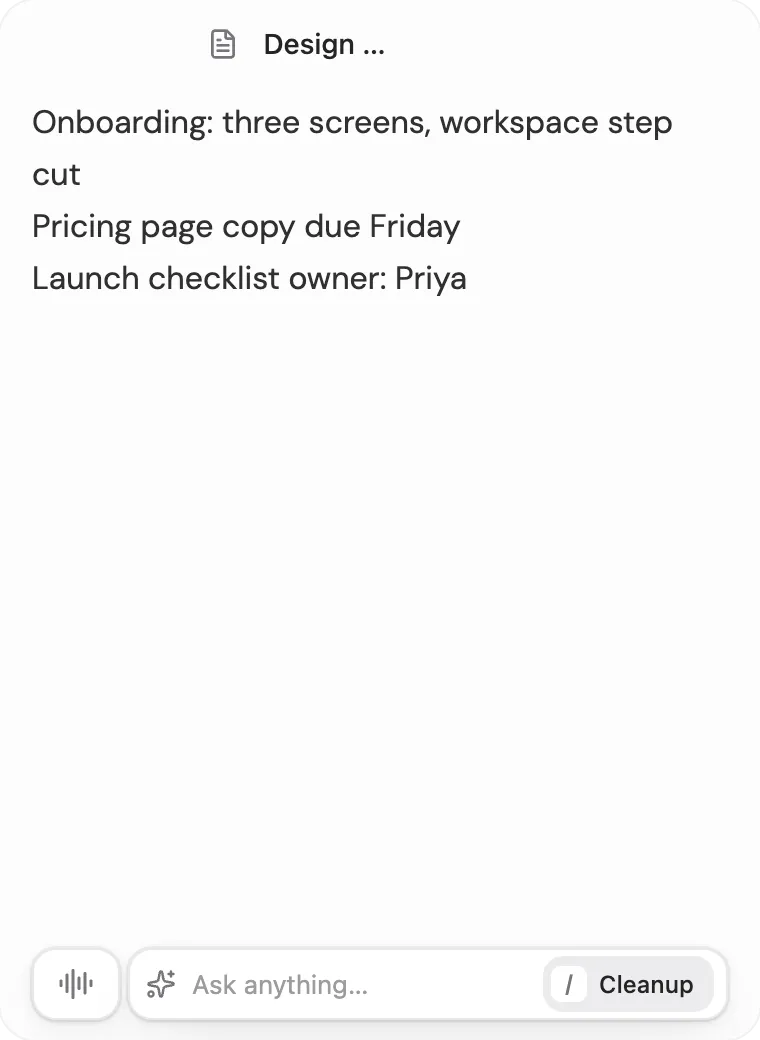
Pop a note out into a small window that stays on top of whatever you're working in.
Prismical can pop a note out of the app into a small window that stays above your other windows. It's for the times the note isn't the thing you're looking at — you're on a call, reading a document, following along in another app — but you still want somewhere to type.
A window that floats above other apps is something only a desktop app can do.
Opening One
Three ways, depending on what you're doing:
- Pop out note in a note's header, to float the note you're already in.
- Its keyboard shortcut, from anywhere — even when Prismical isn't in front. Set it in Settings → Shortcuts; see Shortcuts.
- On its own, when a recording starts — turn on Auto-expand notes on recording in Settings → Preferences.
Opened from the shortcut with nothing in mind, it brings back whatever note it held last, or starts a fresh quick note.
In the Window
| Control | Does |
|---|---|
| Browse notes | Opens ⌘K search to swap to a different note |
| New quick note | Starts a fresh note without leaving the window |
| Collapse | Shrinks back to the dock — the small bar Prismical keeps on screen — and holds the note for when you reopen it |
| Dock back into app | Sends the note home and brings the main window forward |
Collapse and Dock back differ in one way worth knowing: collapsing keeps your place, so reopening returns you to the same note, while docking back hands the note to the main window. Closing Prismical clears it either way.
Keeping It Out of a Screen Share
Settings → Preferences → Hide dock from screen sharing keeps the floating note and the pill out of anything you share or record. Worth turning on before you present, since a floating note tends to sit exactly where people are looking.