
Local transcription
Transcribe recordings on your own machine, so the audio never leaves it.
The desktop app can transcribe on your own computer instead of sending audio anywhere. Download a speech model once, and recordings are turned into text on the machine that made them — offline, and without the audio leaving it.
Running a speech model needs the storage and processing power of a desktop machine.
Setting It Up
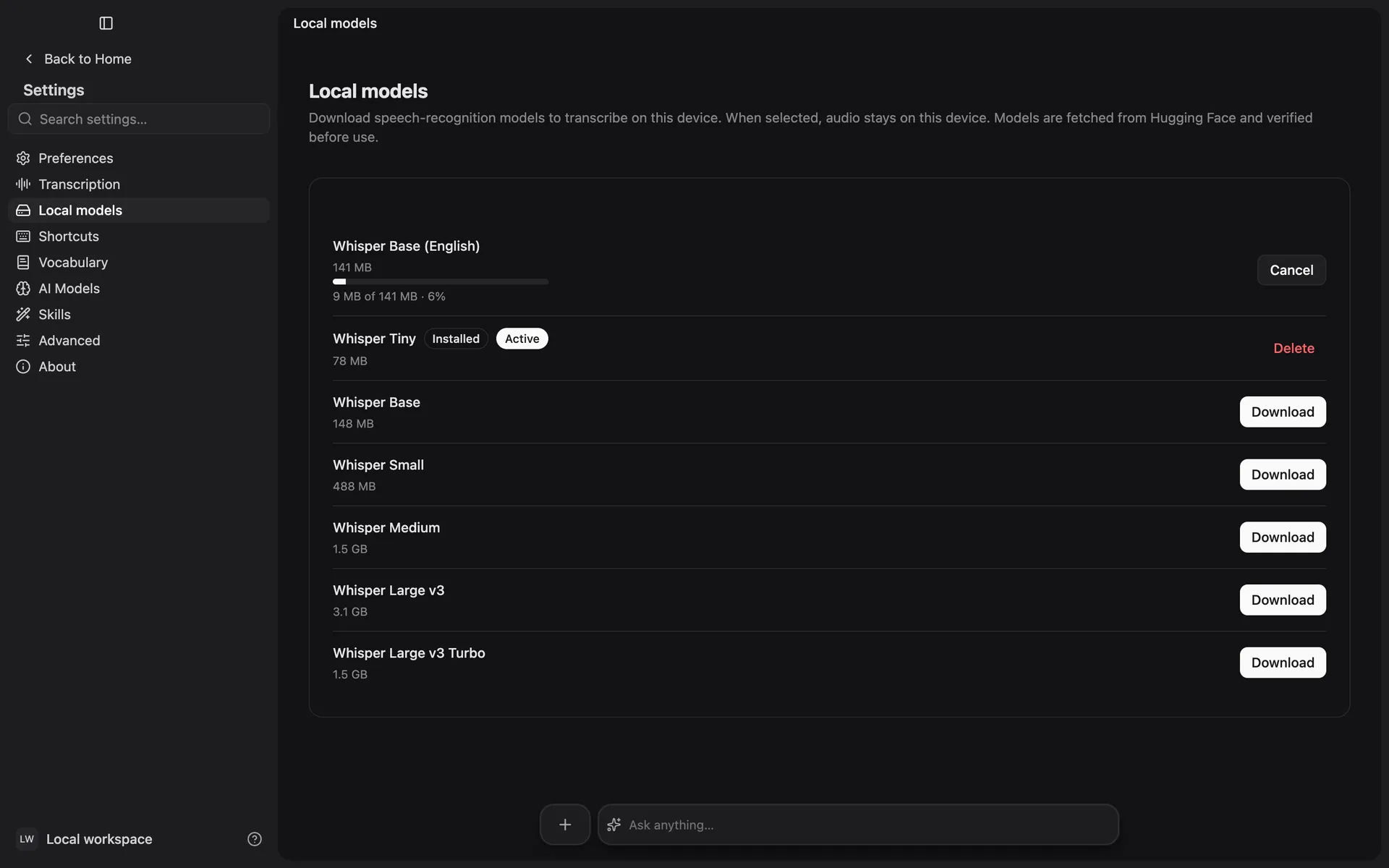
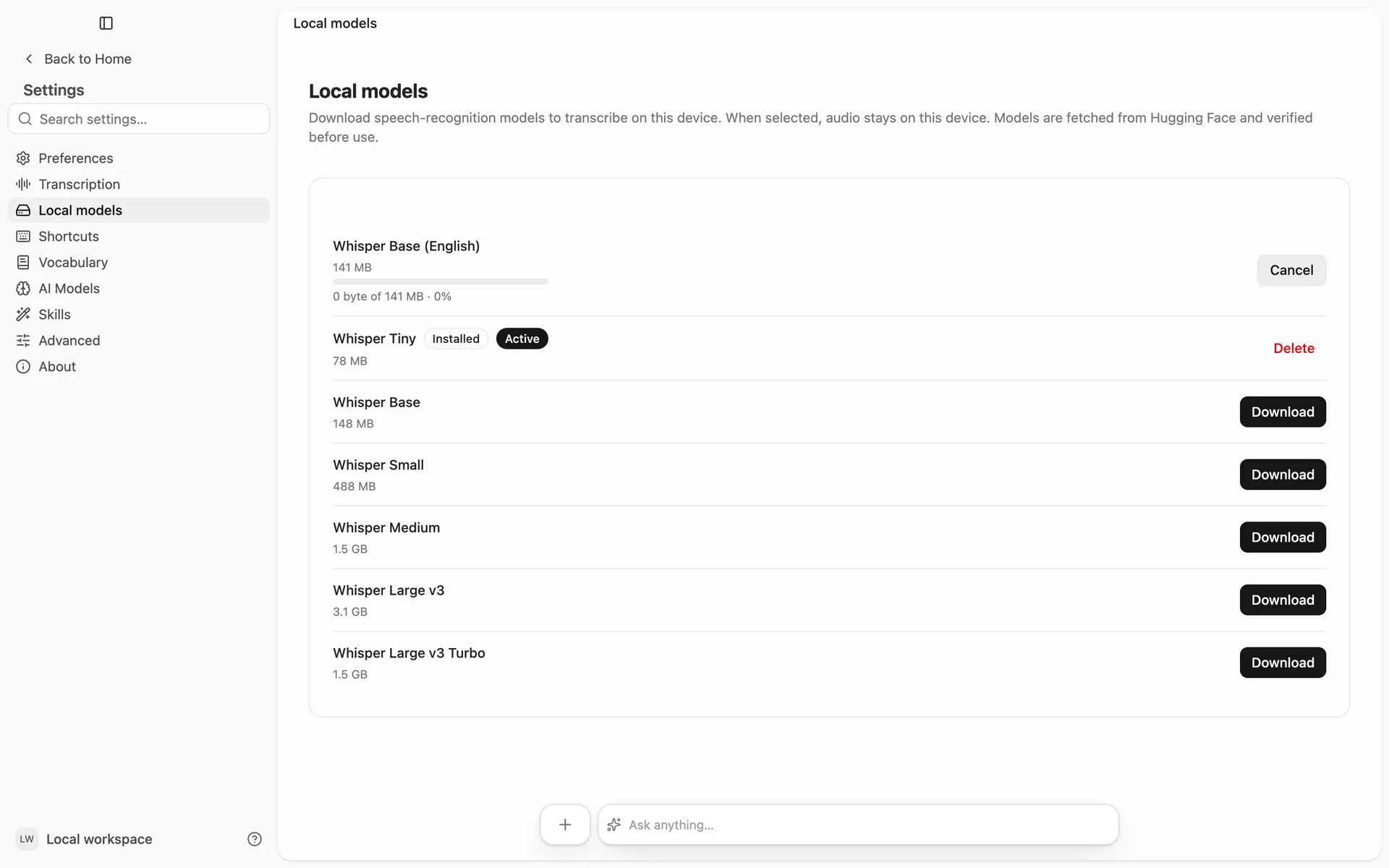
Open Settings → Local models
Every model Prismical offers is listed, with the storage each one needs.
Download one
Each model shows how much space it needs. Larger models are more accurate and slower; smaller ones download quickly and run faster. You can watch the download's progress, and cancel it, from the same row.
Choose Use this model
New recordings transcribe on this device from then on.
Prismical verifies each download before using it, so an interrupted one is discarded rather than quietly producing bad transcripts.
What Changes
| Local | Prismical Cloud | |
|---|---|---|
| Where audio is processed | On your machine | On our servers |
| Works offline | Yes | No |
| Counts toward your plan's transcription limit | No | Yes |
| Speaker identification | No | Yes |
Local transcription not counting against your limit is the practical reason most people turn it on — see Plans.
Removing a Model
Delete any model from the same screen to get the disk space back. You can download it again whenever you like, and deleting the one in use sends new recordings back to the cloud.